Where to Digitize Videotapes, Photos, and Media inSan Diego, CA
San Diego, CA has some of the best weather in the world, which means families here have spent decades outdoors — and on film. From Super 8 footage of beach days at Mission Bay to VHS tapes of Padres games at Jack Murphy Stadium, Capture helps San Diego families turn analog media into digital memories that last. Drop off at CVS and Walmart locations in Chula Vista, El Cajon, and Escondido. Costco and Sam's Club members get free round-trip shipping via FedEx or UPS.
Drop-off Partners.
Find Your Nearest Video & Photo Digitization Drop-Off in San Diego, CA
Drop off your VHS tapes, photos, slides, and film reels at CVS, Walmart, Costco, or Sam's Club locations across the San Diego metro.
Enter your city above to find locations near you.
Map loading...
Top Drop-Off Points Near You in San Diego
CVS Store #11018
CVS Photo #11018
CVS Store #4768
What We Digitize in San Diego
VHS Transfer, Photo Scanning, Film Digitization & More
Capture converts virtually every format of analog media to digital in San Diego, CA. If you can find it in your attic, we can digitize it and deliver it back as a high-quality digital file.
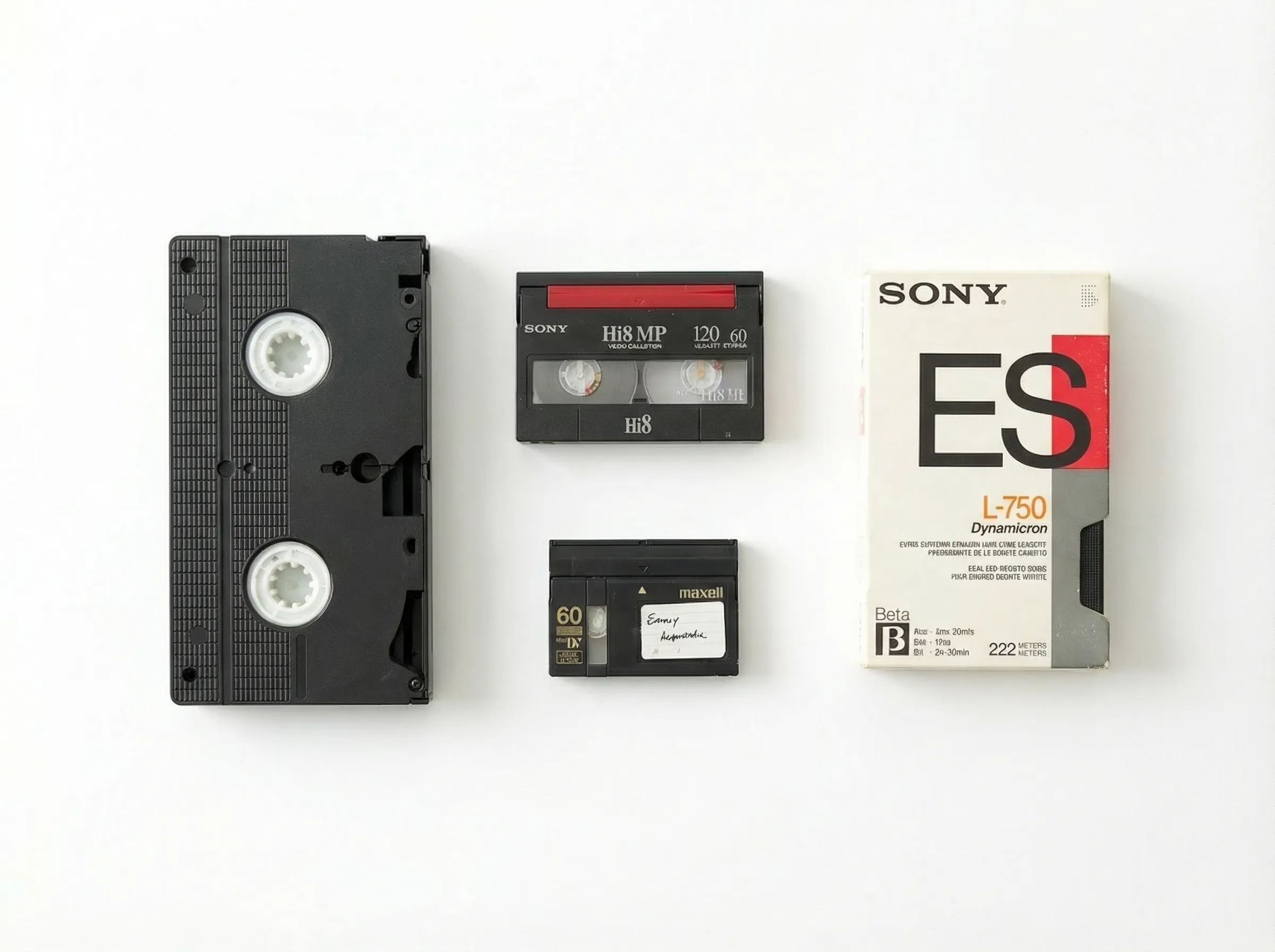
Videotapes
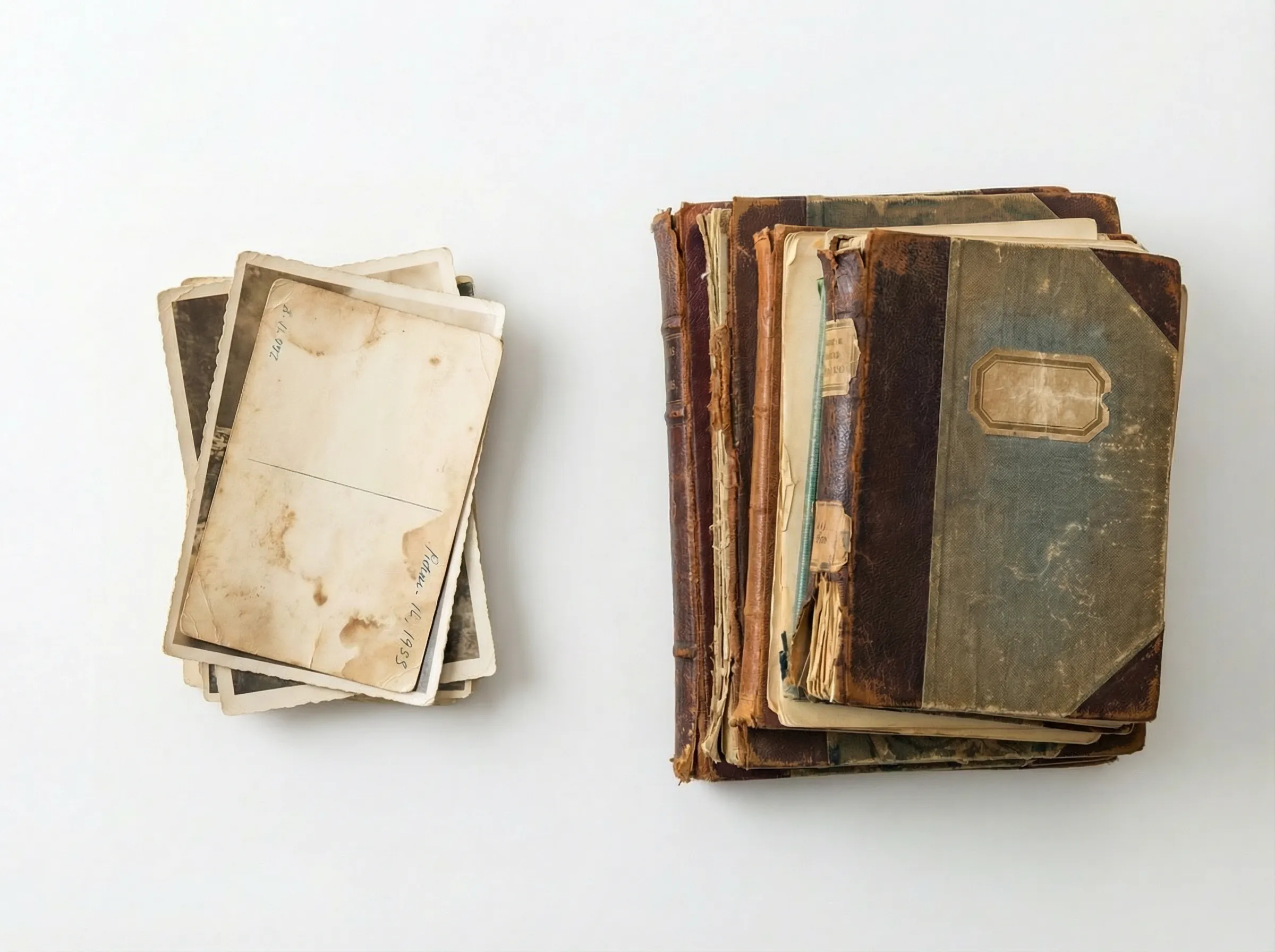
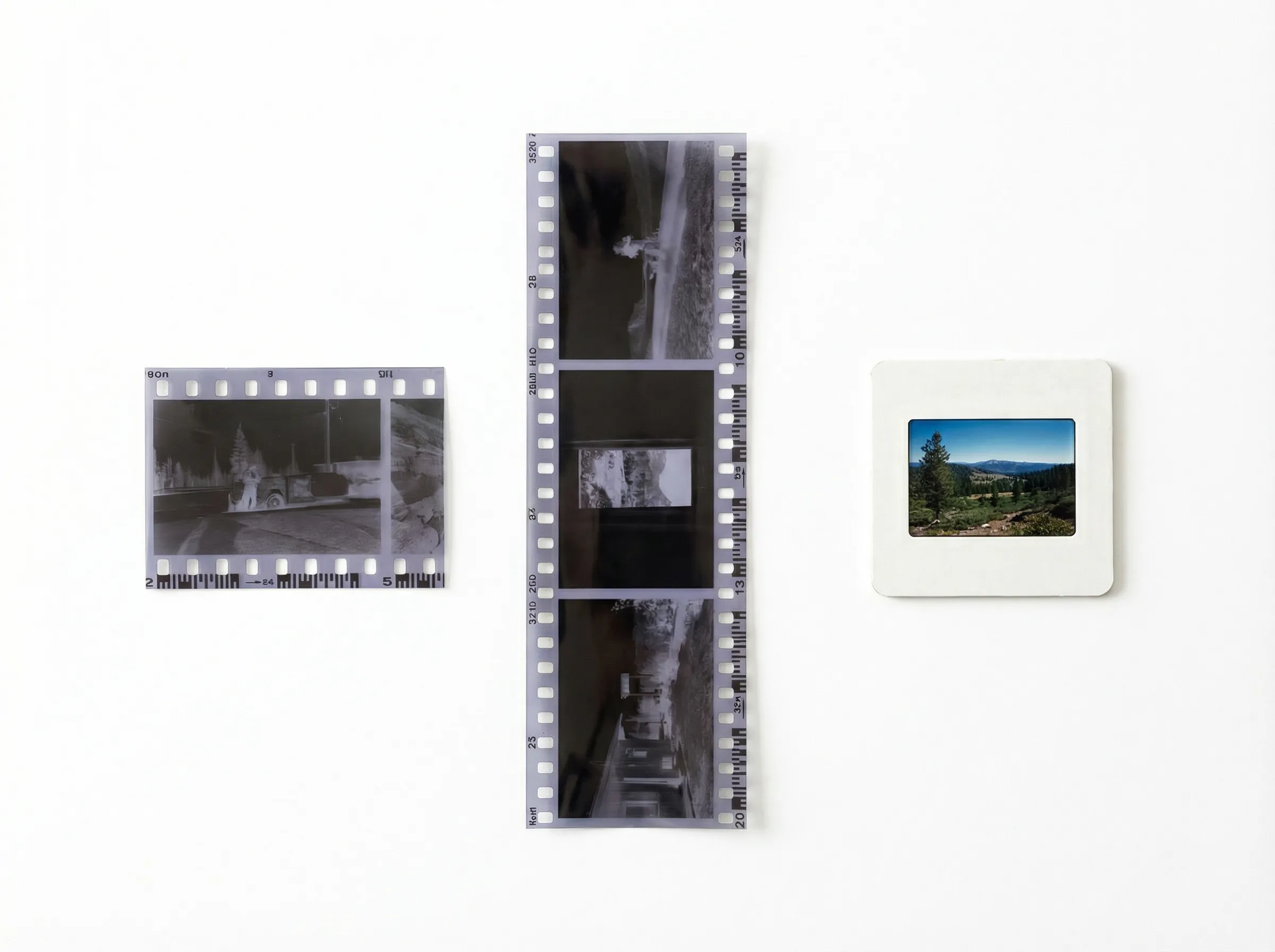
Photos & Slides
- Print Photos2" x 2" up to 8" x 12"
- 35mm Slides, Super 35mm, 110/220, 126, 127, 127 SuperslideCardboard or plastic mounts only
- 35mm Negatives, APS film, 110 film, 126 Instamatic film, Large negatives
- Photo Albums
- Scrapbooks
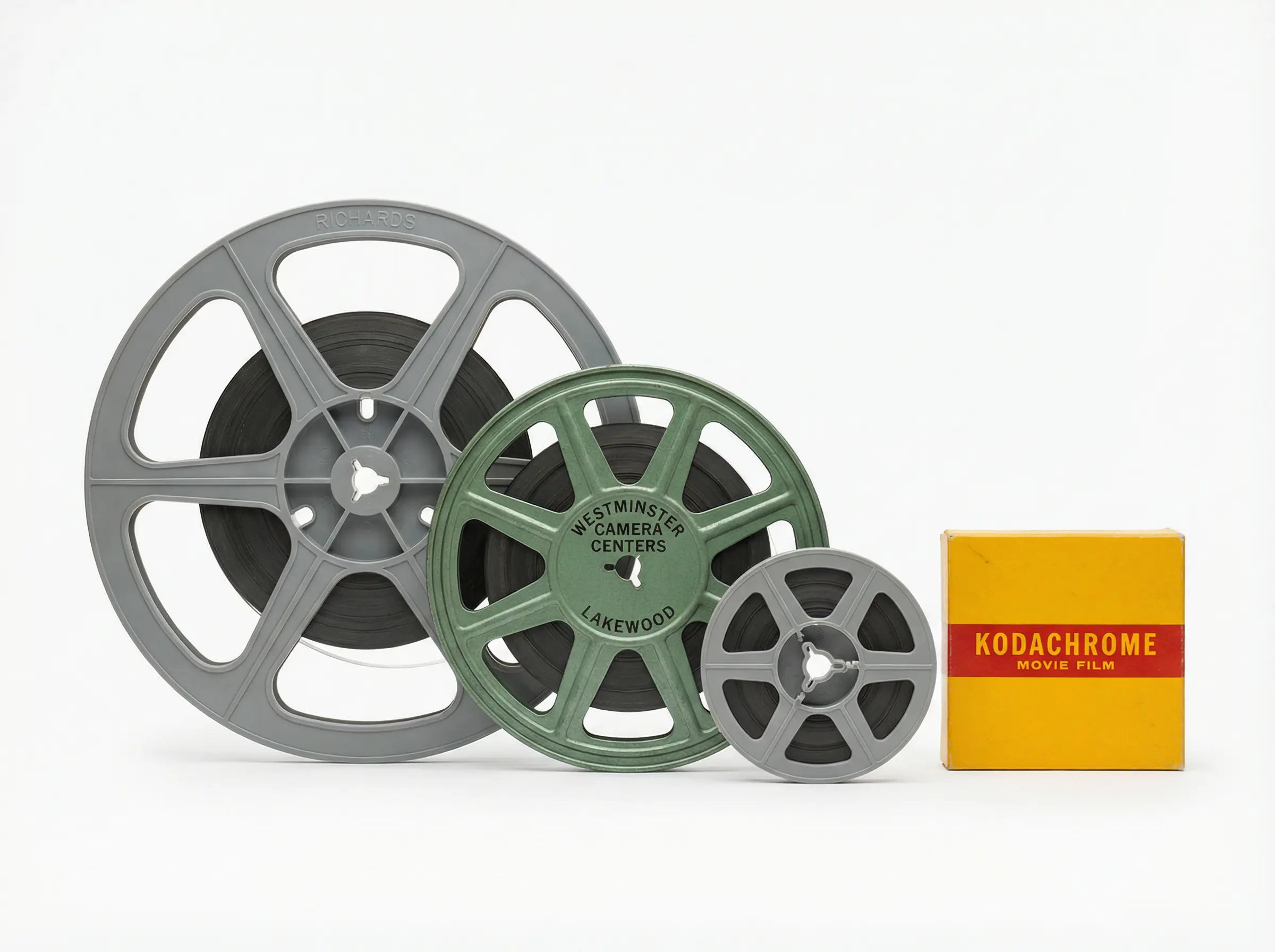
Film Reels
Other Devices
How You'll Receive Your Digitized Files
Three Ways to Receive Your Digital Transfer
After your VHS tapes, photos, slides, or film reels are digitized in San Diego, receive your files in whichever format works best for you.
Compare Providers.
Digitization Services Available in San Diego, CA
All four options are powered by Capture. The difference is price, drop-off method, and membership requirements.
Best ValueCapture | CVS | Walmart | Costco | Sam's Club | |
|---|---|---|---|---|---|
| Turnaround Time | 2–3 weeks | 2–3 weeks | 2–3 weeks | 2–3 weeks | 2–3 weeks |
| Videotape | $19.99per tape | $25.99first 2 hours+$25.99 per 2 hours; $9.99 extra tape merged | $15.96first 30 minutes+$5.46 per additional 30 minutes | $16.99per tape | $17.94per tape |
| Film Reel | $19.99first 100 feet+$0.20 per foot after first 100 | $25.99first 50 feet+$0.34 per foot after first 50 | $15.96first 50 feet+$0.20 per foot after first 50 | $16.99first 100 feet+$0.13 per foot after first 100 | $17.94first 100 feet+$0.16 per foot after first 100 |
| Photo, Slide & Negative | $19.99first 50 items+$0.29 per item after first 50 | $25.99first 30 prints/slides/negatives+$0.49 per image after first 30 | $15.96first 35 photos+$0.45 per image after first 35 | $16.99first 50 prints/slides/negatives+$0.28 per image after first 50 | $17.94first 50 prints/slides/negatives+$0.33 per image after first 50 |
| Photo Album | $19.99first 50 items+$0.39 per item after first 50 | N/A | N/A | $16.99first 35 photos per album+$0.39 per image after first 35 | $17.94first 35 photos per album+$0.47 per image after first 35 |
| Digital Media Transfer | $19.99per device | $25.99first 90 mins per device+$25.99 per additional 90 mins | $15.96first 30 minutes+$5.46 per additional 30 minutes | $16.99per device | $17.94per device |
| Return Shipping | $12.49 | N/A (in-store pickup) | $10.99 | Roundtrip Included | Roundtrip Included |
| Inbound Label | $12.49 optional | N/A | $9.99 optional | Included | Included |
| Minimum Order | None | None | None | $30 minimum order | None |
| In-Store Drop-Off | |||||
| Satisfaction Guarantee | |||||
| Basic Repair Services | Included | Included | +$19.96 | Included | Included |
| Digital Download | |||||
| USB/Flash Drive Option | $14.99 | Includes 1 USB (+$9.00 upgrade) | $12.96 | $8.99 | $11.24 |
How It Works.
How to Digitize Your Media in San Diego, CA
Pick your preferred local partner below for step-by-step instructions.
Costco Digitization in San Diego, CA
How to Use Costco
- 1
Head to https://costconext.com/brand/capture and click 'Visit Capture®' to get started.
- 2
Sign in using your Costco membership credentials.
- 3
Select the type of media you need digitized — videotapes, film reels, photos, or photo albums.
- 4
Fill out your order form and proceed to checkout.
- 5
Print out your order confirmation and follow the packing instructions to prepare your media.
- 6
Securely package your media, affix your included FedEx shipping label, and bring it to your local FedEx location.
- 7
After approximately three weeks, your digital copies and original media will be returned to your doorstep.
Pros
- Exclusive member pricing
- Easy online ordering process
- Quick turnaround time
- Convenient drop-off via FedEx
- Cutting-edge album scanning
Cons
- No in-store photo counter (ship/drop off at FedEx Office)
- Membership required
CVS Digitization in San Diego, CA
How to Use CVS
- 1
Go to CVSYesDVD.com and hit 'Start My Order' in the top right corner.
- 2
Pick the type of media you want to transfer and follow the instructions to finish the checkout.
- 3
Choose your CVS drop-off location during checkout.
- 4
Print your order documents and follow the checklist to package your media securely and drop it off at the CVS location.
- 5
In about three weeks, pick up your finished digital copies in-store. You can also access your digital files online through MemoryCloud.
Pros
- Convenient local drop-off and pick-up options
- Easy online ordering process
- Professional quality results with expert care
Cons
- Limited store hours can be inconvenient
- Staff unavailability may cause delays during busy hours
Sam's Club Digitization in San Diego, CA
How to Use Sam's Club
- 1
Head to smc.capture.com and start your order by selecting the type of media you want to digitize.
- 2
Choose your output format: USB, DVD, or digital download.
- 3
Fill out the order form and complete the checkout process.
- 4
Pack your media securely, affix the included prepaid UPS shipping label, and drop it off at any UPS location.
- 5
In about 3–4 weeks, you'll receive your digitized memories along with your original media. Access digital files via MemoryCloud.
Pros
- Member-exclusive pricing offers significant savings
- Easy online ordering process
- Frequent promotions
- Free round-trip shipping for added convenience
Cons
- No in-store photo counter (ship/drop off at UPS Store)
- Membership required
Walmart Digitization in San Diego, CA
How to Use Walmart
- 1
Visit DVDWalmart.com and click 'Start My Order' to choose the media you want to preserve.
- 2
During checkout, select the Walmart store you prefer for drop off.
- 3
Print your order documents and follow the checklist to package your media securely and drop it off at the Walmart location.
- 4
In about three weeks, pick up your finished digital copies in-store.
Pros
- Best of both worlds — convenient in-store drop off or online order
- Professional-grade results through Capture's expertise
- Affordable pricing with flexible options
Cons
- Limited to DVD or USB formats for output
- Staff may be unavailable during busy periods
Frequently Asked Questions.
About VHS & Photo Digitization in San Diego, CA
Common questions about digitizing your memories in San Diego — answered.
Explore Our Other Services.
We digitize all your analog media — mix and match in one order.