Digitize Through Your Favorite Retailer
Capture is the official digitization partner behind Walmart, CVS, and Sam's Club. Every order — in-store or by mail — is processed using the same equipment, tracking, and quality standards, no matter which retailer you start with.
Choose Your Retailer
Each partner offers a different way to drop off and pick up your media — pick whichever fits your routine.
Walmart
Drop off at a Walmart Photo Center nationwide, or order online and ship your media in — both processed by Capture.
Explore Walmart DigitizationCVS
Order online or via the in-store Kodak Picture Kiosk, then pick up your finished order at your local CVS Photo Center.
Explore CVS DigitizationSam's Club
Order online and ship your media to Capture via UPS — free shipping for Sam's Club members, both ways.
Explore Sam's Club DigitizationFind Retail Partner Locations Near You
Use the map below to find Costco, CVS, Sam's Club, and Walmart drop-off locations near you.
Enter your city above to find locations near you.
Map loading...
Browse Cities
Select your city to see all available Capture digitization options near you.
Alabama
Arizona
California
Kentucky
Louisiana
Maryland
Massachusetts
Minnesota
Nebraska
Nevada
New York
Oklahoma
Oregon
Pennsylvania
Washington DC
Walmart Digitization
Ordering Steps
- 1
Start your order online at dvdwalmart.com, or begin in-store at a Walmart Photo Center.
- 2
Drop off your media at the counter, or ship it in with a prepaid UPS label.
- 3
Capture processes your order using the same tracking and repair standards used across all channels.
- 4
Pick up your finished order in-store, or receive it by mail if you shipped it in — with 60 days of MemoryCloud access.
Pros
- Nationwide in-store drop-off and pickup
- Both online and mail-in ordering supported
- Largest number of physical locations of any Capture retail partner
Cons
- In-store pickup requires a trip to a physical location
- 60-day MemoryCloud access, shorter than Sam's Club's 90 days
CVS Digitization
Ordering Steps
- 1
Start your order online at cvsyesdvd.com, or use the in-store Kodak Picture Kiosk at a CVS Photo Center.
- 2
Drop off your prepared media at the Photo counter, or package it for shipping if ordering online.
- 3
Capture processes your order using the same tracking and repair standards used across all channels.
- 4
Pick up your finished order in-store, with 60 days of MemoryCloud access and direct Google Photos integration.
Pros
- In-store Kodak kiosk lets you start an order without going online first
- Direct Google Photos integration
- Nationwide Photo Center pickup
Cons
- No full mail-in-both-ways option — pickup is always in-store
- 60-day MemoryCloud access, shorter than Sam's Club's 90 days
Sam's Club Digitization
Ordering Steps
- 1
Start your order online at smc.capture.com and select the media types you want to digitize.
- 2
Pack your media securely in your own box. Purchase a prepaid inbound label during checkout, or arrange and pay for shipping with your preferred carrier.
- 3
Capture processes your order using the same tracking and repair standards used across all channels.
- 4
Receive your finished order, plus your original media, back at your home, with 90 days of MemoryCloud access.
Pros
- Free shipping both ways for Sam's Club members
- Longest MemoryCloud access of any retail partner — 90 days
- Simple, single mail-in flow with no in-store steps
Cons
- No in-store drop-off or pickup option
- Requires packaging and shipping your own media
One Company Behind Every Retail Partner
No matter which retailer you start with, every order is processed by the same company, using the same standards.
Explore Our Other Services.
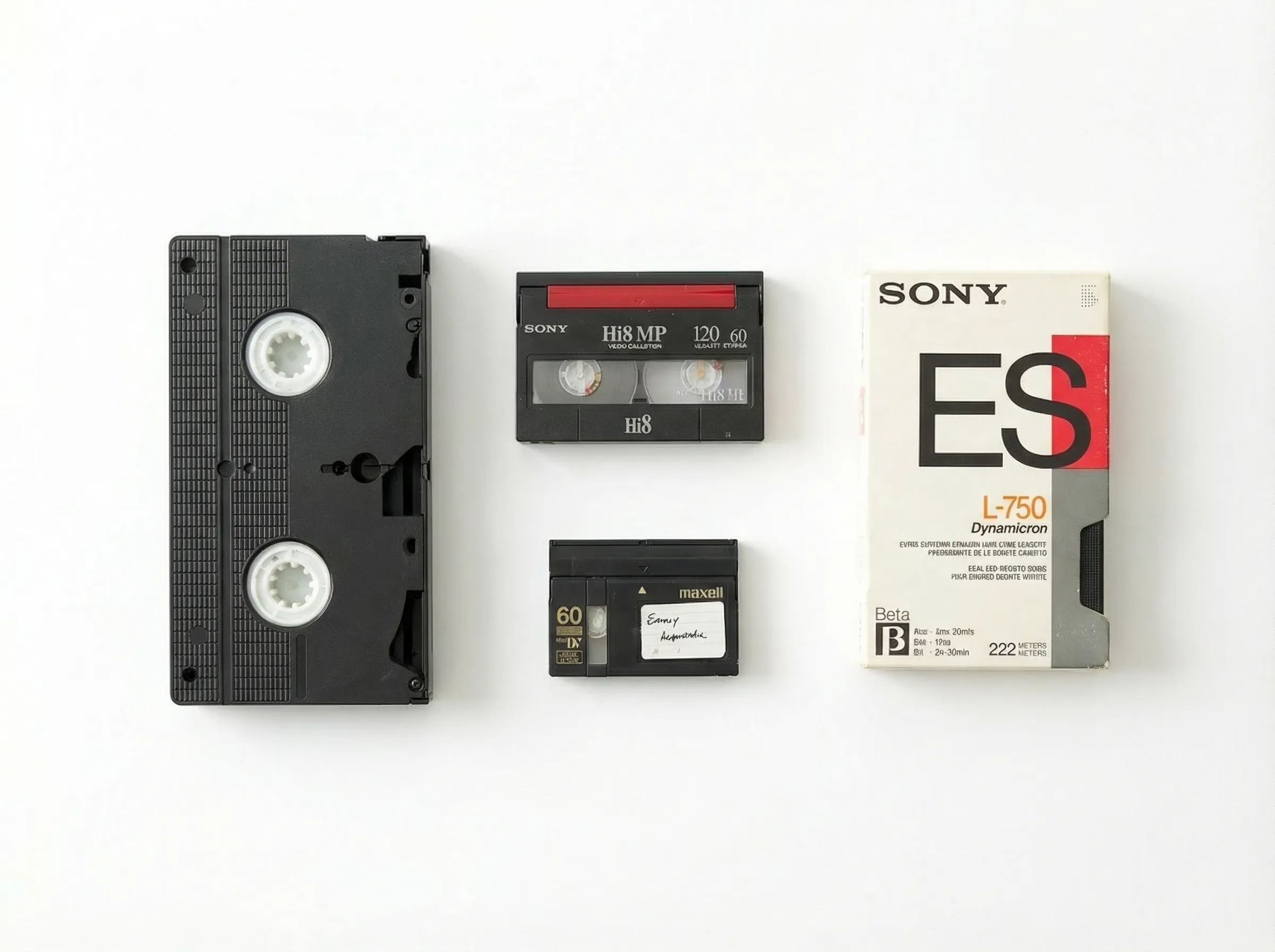
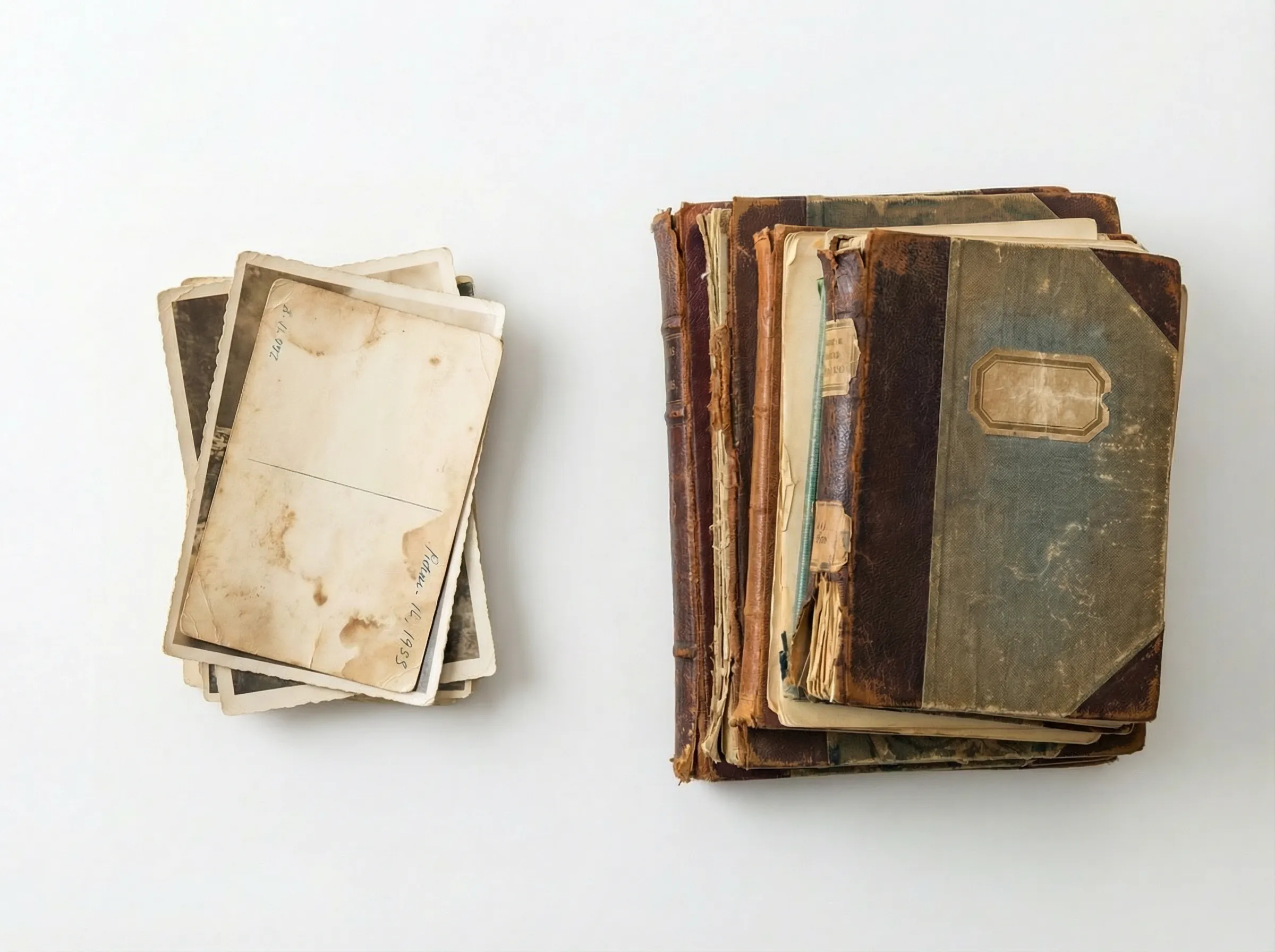
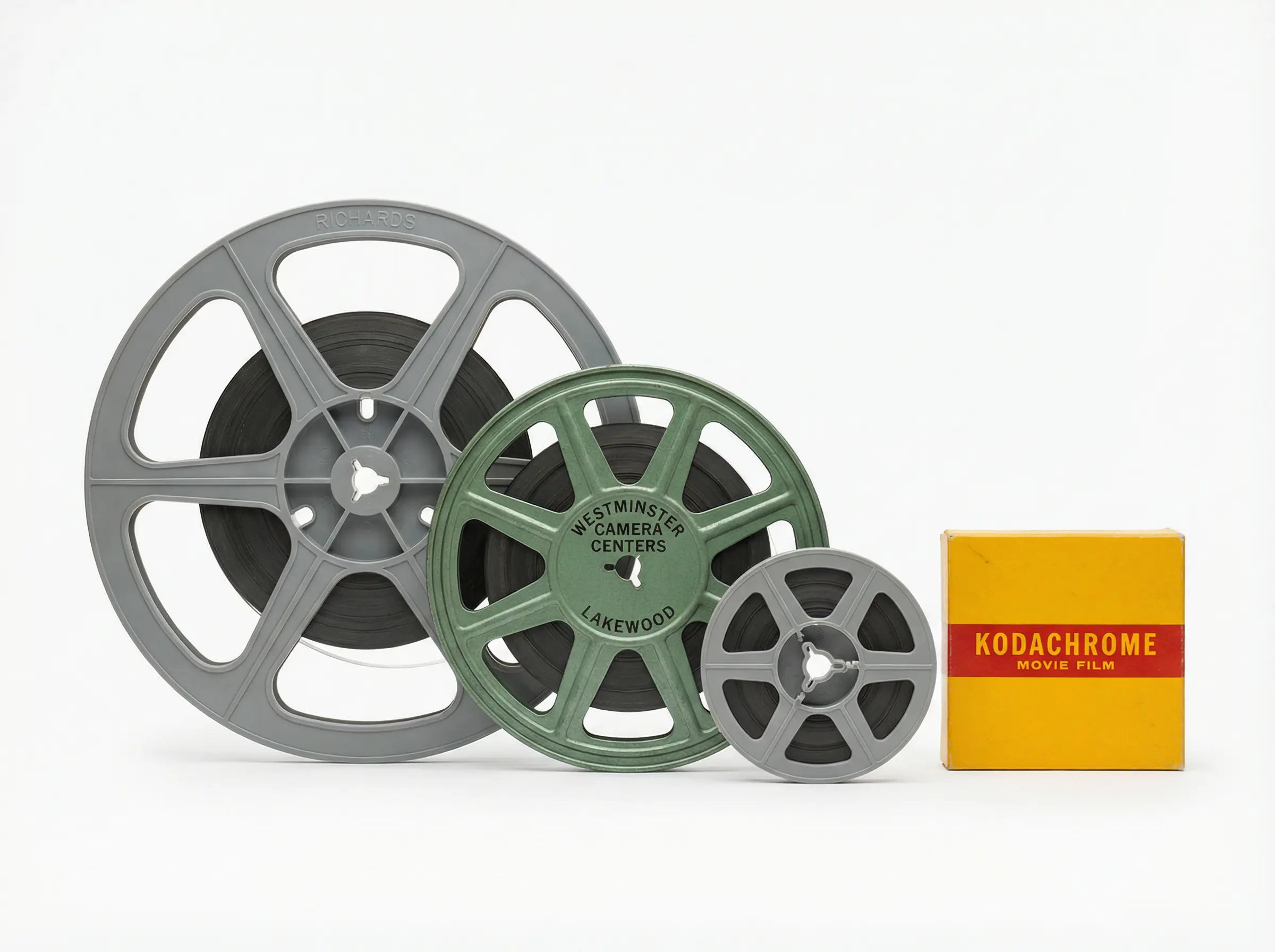
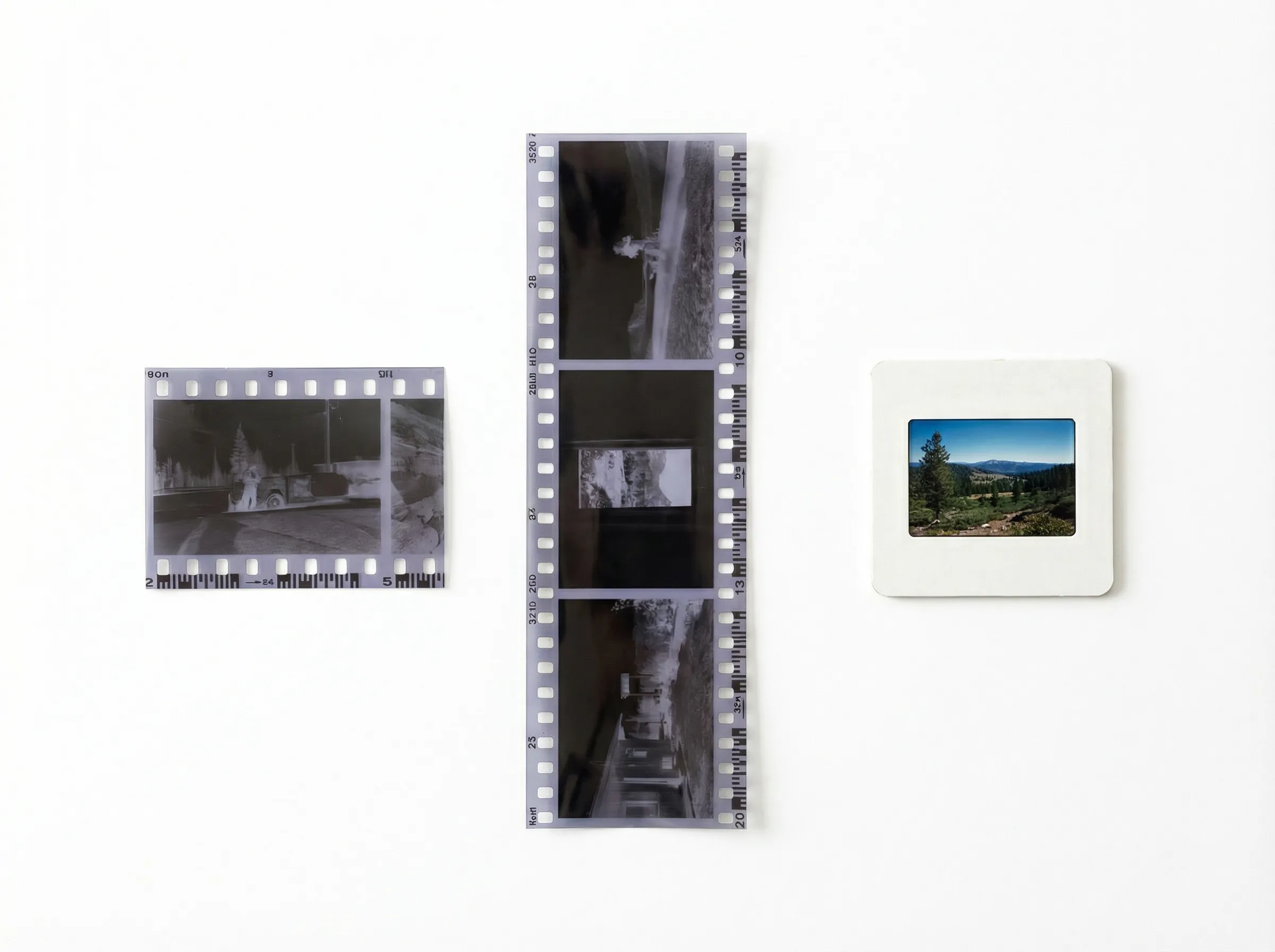
We digitize all your analog media — mix and match in one order.