Insights on Preserving Your Memories
Expert guides, tips, and stories to help you protect, digitize, and enjoy your most precious photos, films, and tapes.
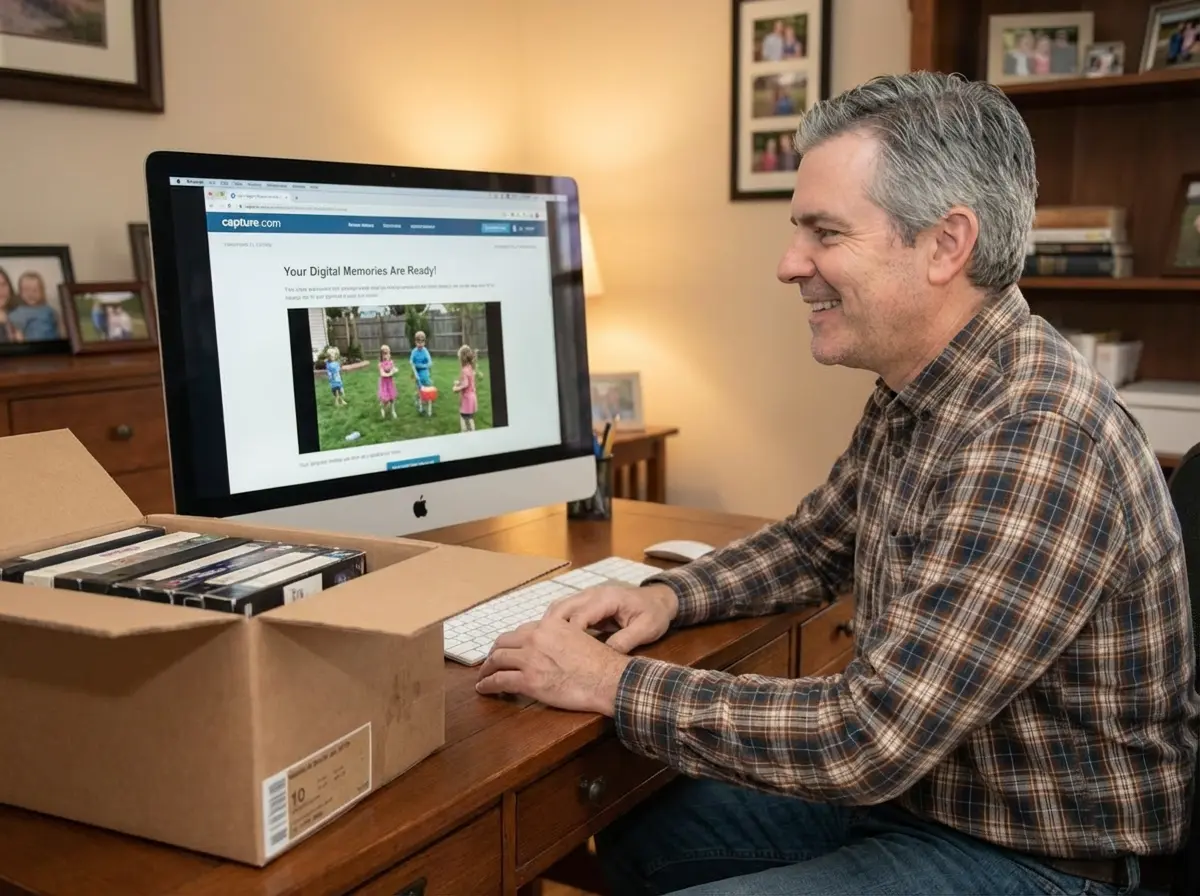
How to Convert a DVD to a Digital File: 3 Free Ways
You can convert a home-made DVD to a digital file for free by copying its VIDEO_TS folder to your computer or by converting it to MP4 with HandBrake, which runs on Windows and Mac. You need a computer with a DVD drive, or an external USB drive for about $45–$55. Commercial movie DVDs are copy-protected, so these steps are for discs you recorded yourself. If you have a stack of discs, Capture converts them to MP4 for $19.99 per disc.

How to Transfer a CD to a USB Flash Drive: Music, Photos, and Files
To transfer a music CD to a USB flash drive, you have to rip it first: import the tracks as MP3 or AAC files with Windows Media Player or Apple Music, then copy those files to the drive. Dragging tracks straight from the disc only copies 44-byte ".cda" shortcuts that won't play, while photo and data CDs can be copied and pasted directly. A 16GB flash drive holds about 100 albums as 320 kbps MP3.

Does Walgreens Transfer VHS Tapes and Photos to Digital? What to Know Before You Decide
Yes, Walgreens transfers VHS tapes, film, photos, negatives, and slides to digital — but the work is outsourced to iMemories, not done in-store. Video converts to DVD, Blu-ray, or cloud; photos convert to USB only. Turnaround typically runs 3–5 weeks.
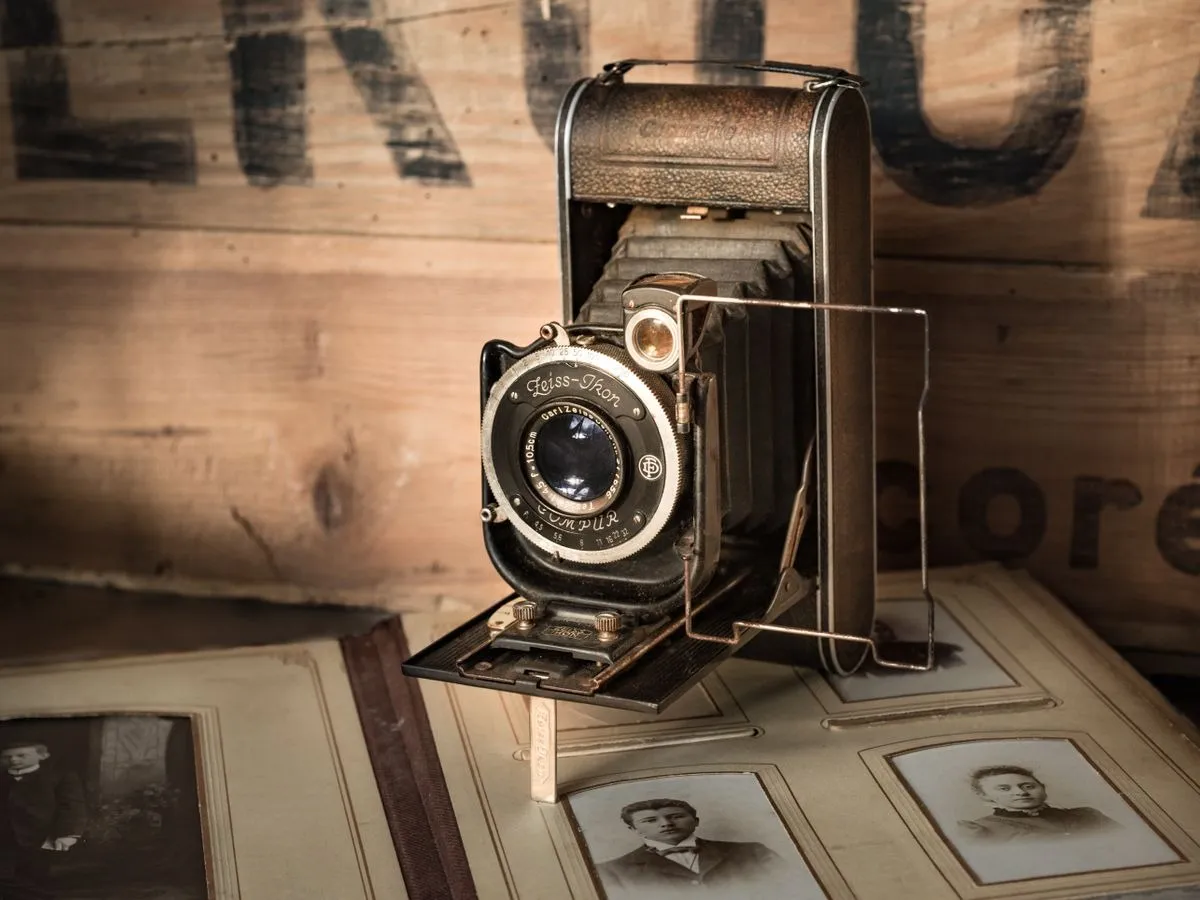
What Resolution Should You Scan Old Photos At?
Scan standard prints at 300–600 DPI, and scan slides or negatives at 2000–4000 DPI — negatives and slides need far more resolution because the original image is physically much smaller than a print. Choose the higher end of each range for archival copies or anything you might want to enlarge later.

Why Old Photos Turn Yellow (And How to Stop and Fix It)
Old photos turn yellow because the dyes and paper chemicals used to make them break down over decades — mainly through dye coupler instability, acid migration from old albums, and exposure to light, heat, and humidity. Photos from the 1970s and 80s are hit hardest because of less stable dye formulas and cheaper consumer paper. Most yellow casts can be corrected with color-corrected scanning; physical damage like tears or severe fading cannot.
Photo
Show all 46Guides for scanning, restoring, and preserving printed photos


Video
Show all 61Guides for VHS, camcorder tapes, and video digitization


Insights
Show all 215Tips, trends, and stories about preserving memories, digitization, and more


Film
Show all 19Everything about film reels, projectors, and film preservation


Slide
Show all 8Tips for slide projectors, scanning, and digitizing photo slides


