How to Convert a DVD to a Digital File: 3 Free Ways
You can convert a home-made DVD to a digital file for free by copying its VIDEO_TS folder to your computer or by converting it to MP4 with HandBrake, which runs on Windows and Mac. You need a computer with a DVD drive, or an external USB drive for about $45–$55. Commercial movie DVDs are copy-protected, so these steps are for discs you recorded yourself. If you have a stack of discs, Capture converts them to MP4 for $19.99 per disc.
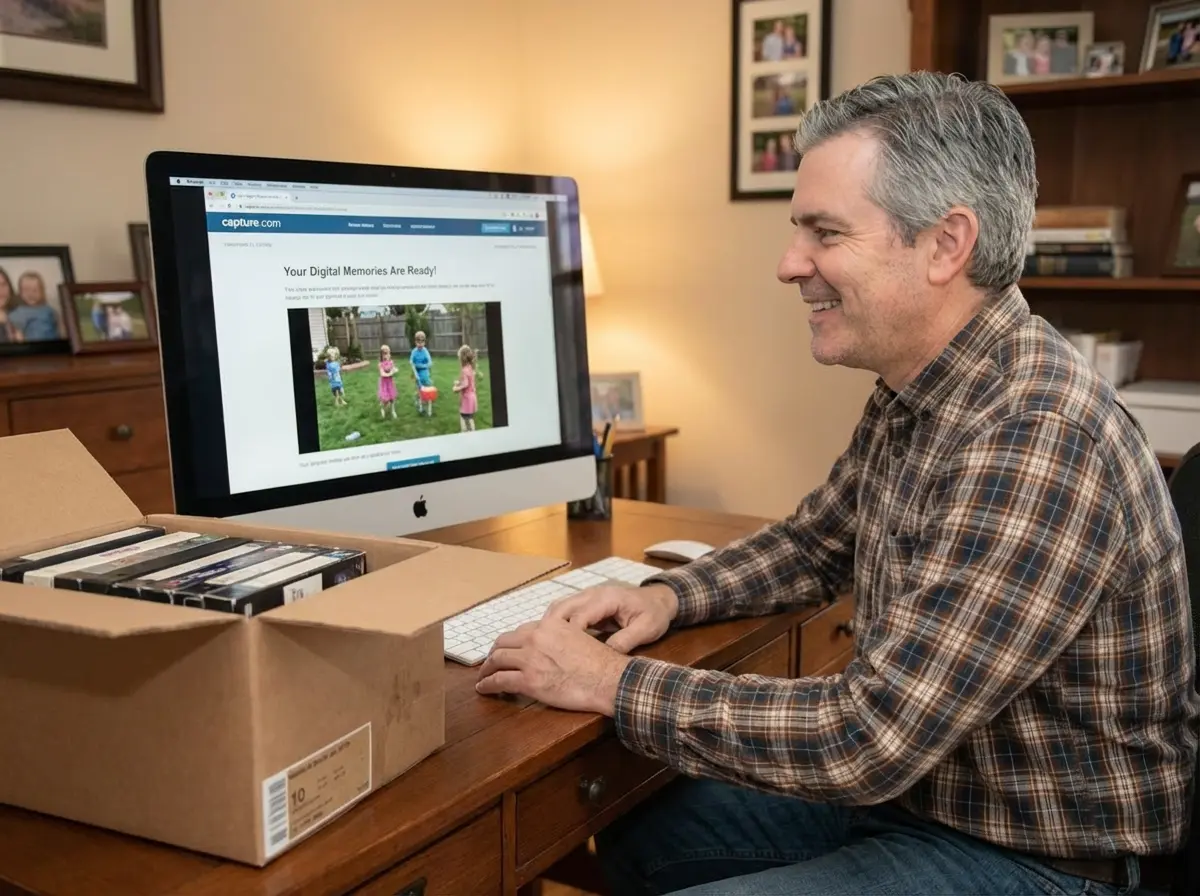
Most DVDs in a family closet aren't Hollywood movies. They're wedding videos, camcorder discs and VHS tapes someone copied to DVD in the 2000s. Those discs are getting old, and many new laptops no longer have a disc drive. Here's how to get the video off them, which method fits which situation, and what to do when a disc won't cooperate.
Which Method Should You Use?
Method | Cost | Time per disc | What you get | Best for |
|---|---|---|---|---|
Copy the VIDEO_TS folder | Free | 5–15 minutes | The original files (VOB), about 4.7 GB per disc | A quick backup before a disc fails |
Convert with HandBrake | Free | Roughly 15–60 minutes, depending on your computer | One MP4 file that plays on phones and TVs | Sharing and long-term storage |
Convert with VLC | Free | About the length of the video | MP4 file, fewer settings | A single disc, if VLC is already installed |
Send to Capture | $19.99 per disc | None | MP4 (H.264) files in the cloud, originals returned | Many discs, scratched or unfinalized discs |
Times are our estimates for a typical one- to two-hour home DVD. A modern laptop is at the fast end of each range.
What You Need Before You Start
A DVD drive. Most laptops sold in the last several years don't have one. An external USB DVD drive works on Windows and Mac; models from LG and Verbatim were $44–$54 at Staples in October 2026.
Free software. HandBrake or VLC. Both are free and run on Windows and macOS.
Storage space. A full DVD holds about 4.7 GB. An MP4 version is usually much smaller.
A finalized disc. DVDs recorded in a camcorder or a set-top DVD recorder often have to be "finalized" in that same device before a computer can read them. If your computer doesn't see the video, this is the most likely reason.
How to Convert a DVD to a Digital File With HandBrake
HandBrake turns the DVD's video into a single MP4 file, which is the easiest format to share and store. It works with home-made discs; it can't read copy-protected commercial DVDs.
Insert the DVD and close any player that opens automatically.
Open HandBrake and select the DVD drive as the source. HandBrake scans the disc and lists its titles.
Pick the right title. Home DVDs usually have one long title for the main video. Choose the one with the longest duration.
Choose a preset. "Fast 480p30" matches DVD resolution and keeps files small. A higher preset won't add detail the DVD doesn't have.
Set where to save the file and give it a name you'll recognize later, such as
1998-wedding-reception.mp4.Click Start Encode and wait. When it finishes, play the file to the end before you put the disc away.
On a Mac, the steps are the same; plug in an external DVD drive and the disc appears in Finder and in HandBrake.
How to Copy a DVD Without Converting It
The quickest free method doesn't convert anything. Open the disc in File Explorer (Windows) or Finder (Mac), and copy the whole VIDEO_TS folder to your computer. The VOB files inside play in VLC and keep the original quality.
This is a good emergency backup for a disc that's starting to skip. The downside is that VOB files are large, split into 1 GB chunks, and many phones and TVs won't play them. You can convert the copied folder with HandBrake later, without the disc.
Why Won't My DVD Rip or Play?
Three problems account for most failed attempts:
The disc isn't finalized. Discs from camcorders and DVD recorders must be finalized in the original device. Without it, a computer may show an empty disc.
The disc is scratched or worn. Clean it from the center outward with a soft cloth; our guide to fixing a scratched DVD at home covers what works. If HandBrake freezes at the same point every time, the damage is past what a consumer drive can read.
The disc is copy-protected. Commercial movie DVDs use copy protection, and in the United States, getting around it is prohibited under the Digital Millennium Copyright Act. For movies you own, check the case for a digital code or buy the digital version.
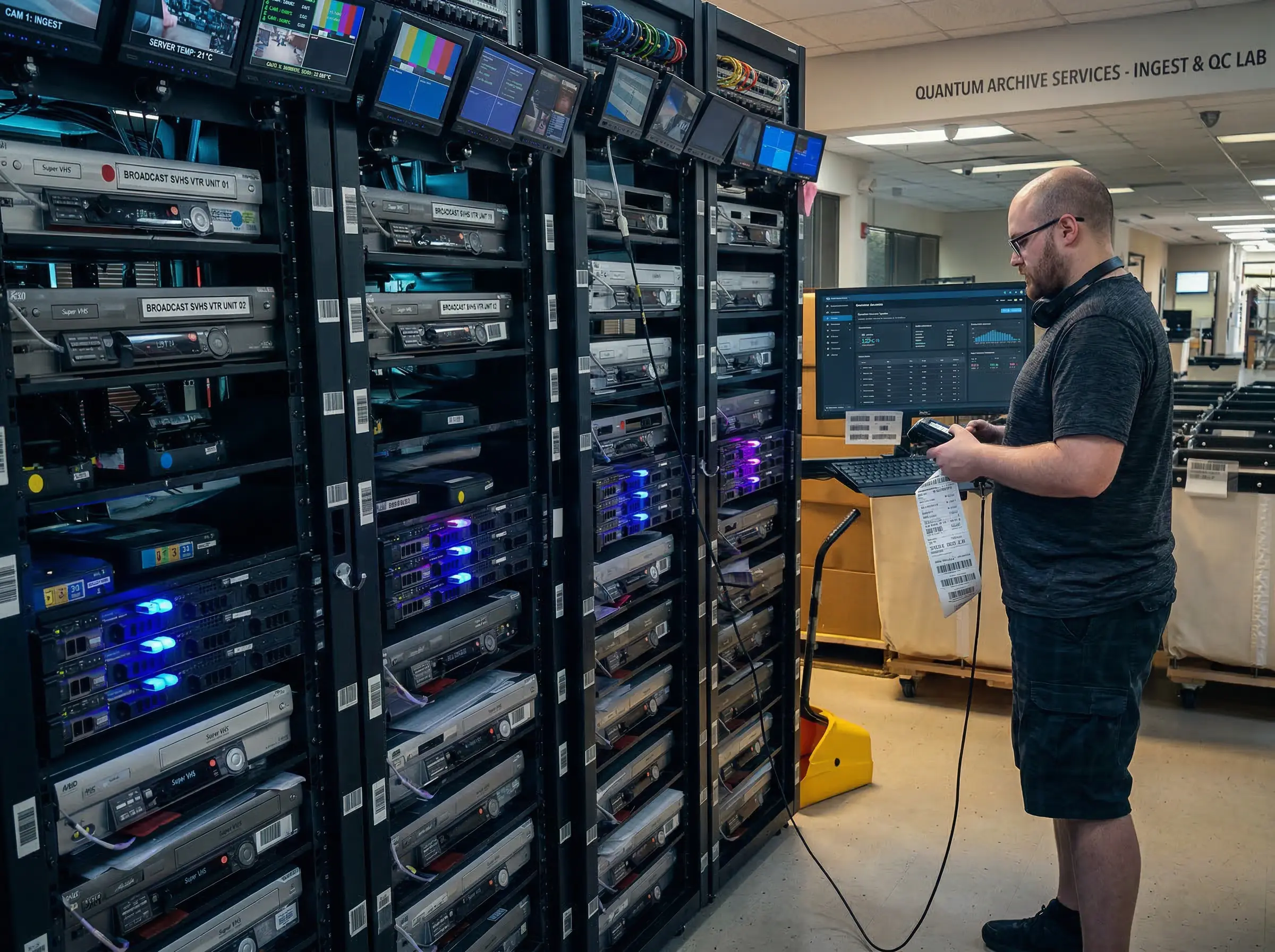
Professional disc drives and error correction can often read DVDs that skip or freeze on a home computer.
Recordable DVDs don't last forever either. In longevity testing summarized by the Library of Congress, predicted DVD-R lifespans varied widely between products, though most were above 30 years. Many home DVDs are now 20 years old or more.
When Is It Easier to Send Your DVDs Out?
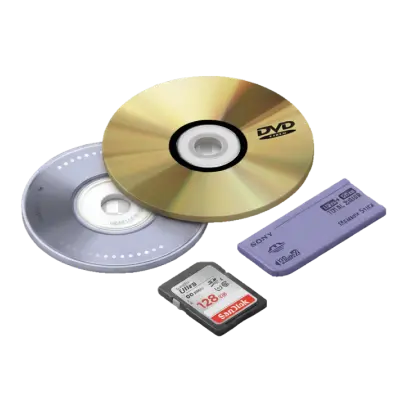
Converting one disc yourself is a quick evening project. Ten discs that skip, came from a camcorder, or were never finalized are a different job. Capture's DVD to digital service converts DVDs and MiniDVDs to MP4 (H.264) files at their original resolution for $19.99 per disc, including unfinalized discs and DVD-R, DVD+R, DVD-RW and dual-layer formats. Files arrive in your cloud account about 2–3 weeks after Capture receives the discs, and your originals are returned.
For example, 10 discs cost $199.90, plus $12.49 return shipping, or $212.39 before tax on Capture's pricing page. If some of your DVDs are copies of old VHS tapes and you still have the tapes, digitizing the original tape is often sharper than converting the DVD copy; our guide on turning VHS into DVD explains why.
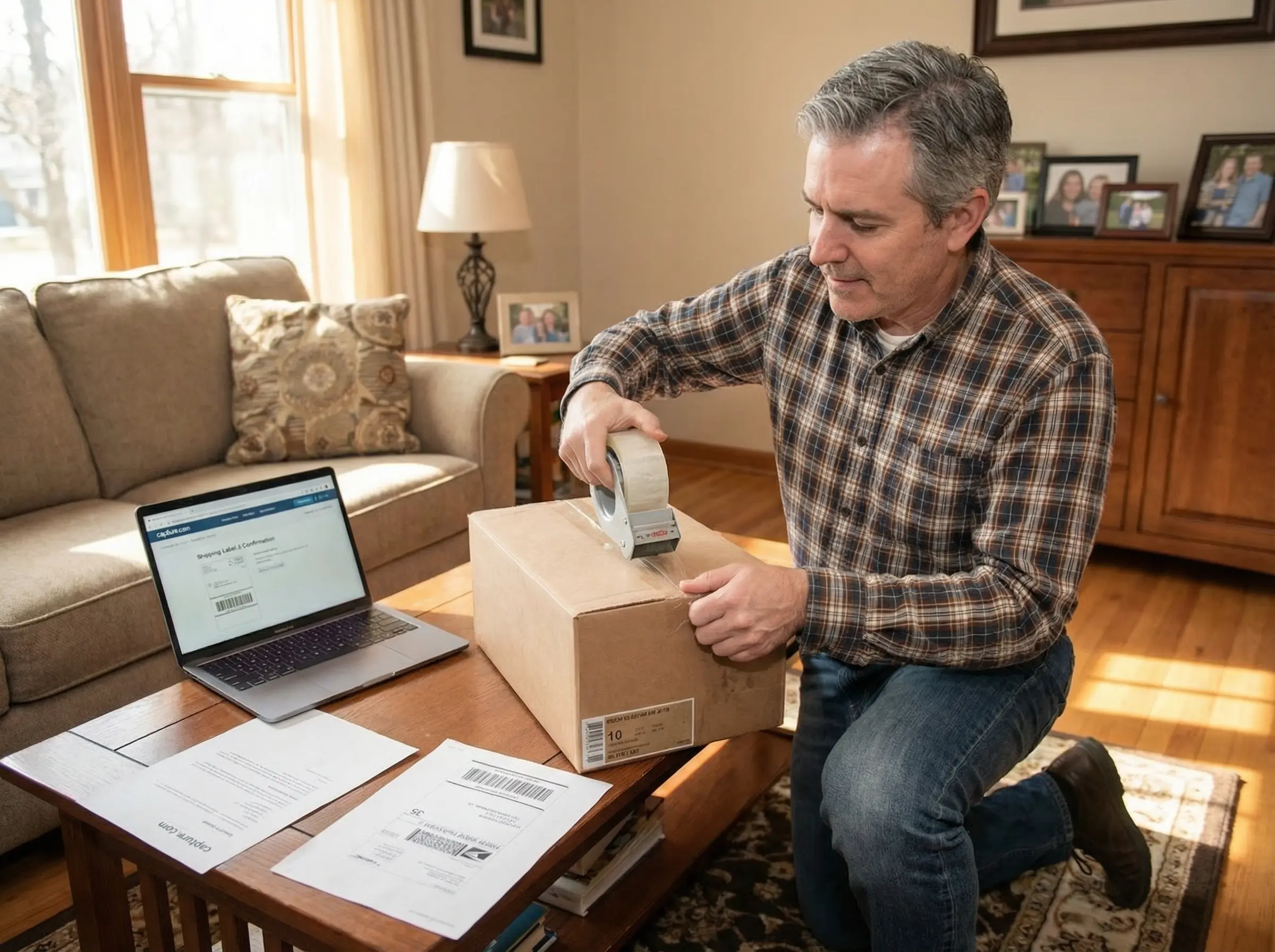
To convert a DVD to a digital file without a disc drive, you can pack the discs in your own box and mail them to Capture.
Frequently Asked Questions
Can a DVD be converted to digital?
Yes. Any home-made DVD can be converted to a digital file, such as MP4, with a computer, a DVD drive and free software like HandBrake. Commercial movie DVDs are copy-protected, so they can't legally be ripped in the United States.
How to digitize a DVD for free?
Insert the disc into a computer with a DVD drive, open the free program HandBrake, choose the longest title and a preset such as "Fast 480p30", and click Start Encode. For an even quicker backup, copy the VIDEO_TS folder from the disc to your computer and play the files in VLC.
How much does it cost to convert a DVD to digital?
Doing it yourself is free if your computer has a DVD drive; otherwise an external USB drive costs about $45–$55. Capture converts DVDs to MP4 for $19.99 per disc, plus $12.49 return shipping per order, so 10 discs cost $212.39 before tax.
Can you get a digital copy of a DVD I own?
For home-made DVDs, yes: copy or convert the disc with HandBrake, or send it to a service like Capture. For commercial movies, the legal options are a digital code included with the disc or buying the digital version, because breaking a DVD's copy protection is prohibited in the United States.
Get Your DVDs Off the Shelf
Learning how to convert a DVD to a digital file takes one evening: a DVD drive, HandBrake and the right title are all you need for a home-made disc. Start with the disc you'd least like to lose, and check the file plays to the end. If you'd rather not deal with drives, unfinalized discs or a full box, Capture converts DVDs to MP4 for $19.99 per disc. Get a free instant quote, and once your discs are digital, our guide on what to do with old DVD discs covers recycling and reuse.
You May Also Like

How AI Video Upscaling Works: De-interlacing, Noise Reduction, and Resolution Scaling Explained
AI video upscaling works in three stages: the original tape is captured using broadcast-grade equipment to extract the cleanest possible signal, encoded into a lossless ProRes master file, then processed frame-by-frame by neural networks that remove interlacing artifacts and increase the resolution to 1080p or 4K. Unlike a standard 1:1 transfer, the AI analyzes each frame individually — inferring missing detail from surrounding pixels and learned patterns — while preserving the original frame rate throughout.

Choosing the Perfect Film Video Camera: Top 10 Recommendations for Filmmakers
Film video cameras record motion by capturing a rapid sequence of still images on photographic film — typically at 24 frames per second for cinema and 16–18 fps for home formats like 8mm and Super 8. Unlike digital video, film requires chemical development before it can be viewed, and the footage degrades over time without proper cold, dry storage.

Five Super 8 Projectors That Stand the Test of Time
Super 8 projectors operate similarly to standard 8mm projectors but are not interchangeable — Super 8 film has a different sprocket hole size and frame dimension than regular 8mm. Kodak introduced Super 8 in 1965 alongside a cartridge-loading system that eliminated manual threading. Working Super 8 projectors are available used through eBay and estate sales, though lamp replacements are increasingly difficult to source.