How AI Video Upscaling Works: De-interlacing, Noise Reduction, and Resolution Scaling Explained
AI video upscaling works in three stages: the original tape is captured using broadcast-grade equipment to extract the cleanest possible signal, encoded into a lossless ProRes master file, then processed frame-by-frame by neural networks that remove interlacing artifacts and increase the resolution to 1080p or 4K. Unlike a standard 1:1 transfer, the AI analyzes each frame individually — inferring missing detail from surrounding pixels and learned patterns — while preserving the original frame rate throughout.
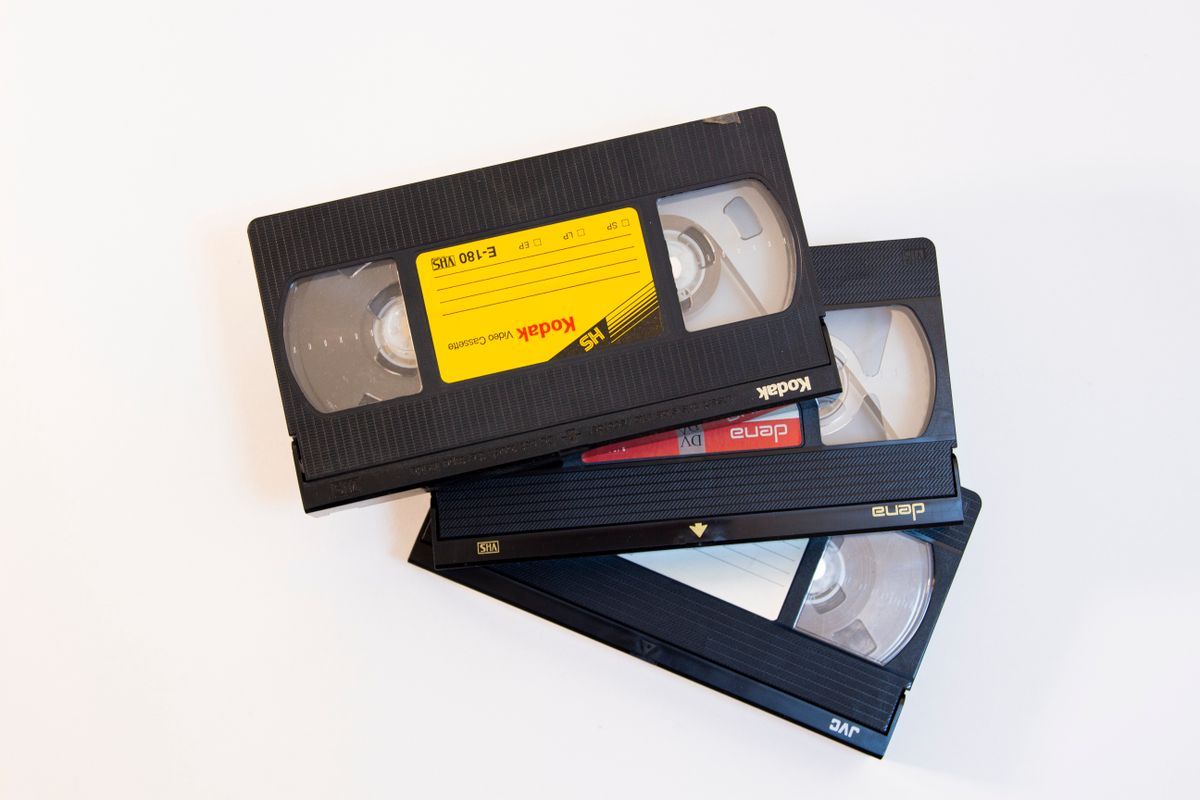
Your old VHS tapes are degrading right now. Every decade, a tape loses 10–20% of its signal quality. That birthday party from 1993 is a little blurrier today than it was ten years ago. Digitizing stops that clock. However, the quality of the file you get back depends entirely on how the service captures and processes your footage. Most services return exactly what was on the tape — artifacts, interlacing lines, and all. Our VHS to digital conversion service does something different. Using broadcast-grade equipment and AI neural networks, we take that degraded tape signal and deliver a file that looks better than anything you could have played on your TV in 1993 — up to 4K Ultra HD. This guide explains how AI video upscaling works, what each stage actually does to your footage, and what to expect from the result.
Why Standard Digitization Leaves You with Blurry Video
When most digitization services convert a VHS tape, they run it through a standard deck, record the output, and hand you an MP4 file. The transfer is 1:1 — whatever degradation exists on the tape gets permanently baked into your digital file.
The result is typically a 480p video at 24–29 frames per second. On a modern 4K TV, that file gets stretched across millions of pixels it was never meant to fill. The result is soft and blurry — nothing like watching the original tape on a CRT.
The problem isn't only tape degradation. VHS was an interlaced format, meaning each frame was stored as two alternating fields. On a modern progressive-scan display, this causes visible combing artifacts — horizontal lines that flicker across moving subjects. Standard digitization preserves these artifacts. A proper conversion eliminates them.
The Three-Stage Process
At Capture, we treat home video digitization the way professionals treat film restoration — as a multi-step process where each stage matters.
Stage 1: Precision signal extraction
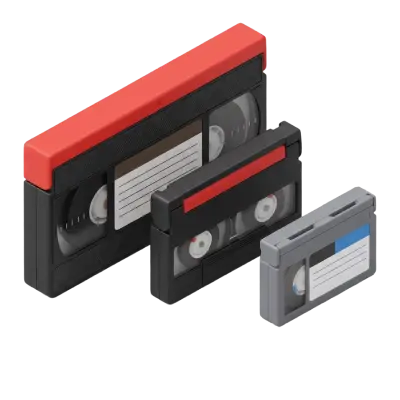
Before any AI processing, we pull the cleanest possible signal from the tape. For analog formats like VHS, Betamax, Hi8, and VHS-C, we use broadcast-grade S-Video signal paths. S-Video separates the luminance and chrominance channels, which avoids the color bleeding caused by cheaper composite connections. The result is a raw capture that preserves every pixel of the original tape recorded.
For digital tape formats — MiniDV, Digital8, and DV — the approach is different. These formats store video as a data stream. So instead of an analog signal transfer, we perform a bit-for-bit data extraction. There is no re-encoding and no generation loss: what was on the tape is cloned exactly.
Stage 2: ProRes Intermediate Master
Every digitized tape — regardless of the quality tier ordered — is encoded into a ProRes Intermediate Master file. ProRes is a lossless archival format used in professional broadcast production. This master file is the foundation on which everything else is built. Even if you order the SD tier, your footage is first captured at maximum fidelity before delivery.
Stage 3: Frame-by-frame AI upscaling
This is where the AI video upscaling process happens. If you select the FHD (1080p) or UHD (4K) tiers, our neural networks process your footage one frame at a time. The AI does two things. First, it de-interlaces the footage, removing the CRT-era combing artifacts that look wrong on modern screens. Second, it upscales the resolution, intelligently inferring detail from surrounding pixels and patterns learned across millions of frames of similar footage.
Throughout this process, the original frame rate is preserved exactly. If your tape was recorded at 29.97 fps — the NTSC standard for VHS — it stays at 29.97 fps. Artificial frame rate conversion is one of the most common ways upscaled video ends up looking unnatural, so we never apply it.
Analog vs. Digital Formats: What Changes
The upscaling process applies to all videotape formats we accept. However, the extraction method differs based on whether your tape is analog or digital.
Analog formats (VHS, S-VHS, Betamax, Hi8, VHS-C, Video8) are processed through the broadcast S-Video signal path described above. These formats have the most to gain from AI upscaling. Their original recordings were limited by the tape's signal-to-noise ratio and the interlaced CRT format they were designed for.
Digital tape formats (Video8 and Digital8, MiniDV, DVC, DV) are extracted bit-for-bit. Because these formats already store a digital signal, there's no analog conversion step. However, the AI upscaling still applies when you select FHD or UHD, since the original recording resolution is still sub-HD.
What AI Video Upscaling Actually Does — and What It Doesn't
It's worth setting expectations. Knowing how AI video upscaling works helps manage them: the technology makes old footage look significantly better on modern screens, but it does not add detail that was never recorded. It also can't fully restore footage that is severely degraded or mold-damaged beyond a certain point — though tape repair and cleaning are included with every order at no extra charge.
What it genuinely does:
Removes interlacing artifacts. The combing and flickering you'd see on moving subjects in standard-digitized VHS is eliminated.
Scales to fill modern displays. A 4K file on a 4K TV looks sharp rather than stretched and blurry.
Reduces noise. AI processing smooths out the grain and static common to old tape footage.
Corrects color. The AI applies noise reduction and color correction alongside resolution upscaling.
The original frame rate, footage content, and recording decisions are all preserved exactly. You'll see what was filmed — just without the degradation that makes old footage look like old footage.
SD, FHD, or UHD: Which Tier Is Right for You?
All three quality tiers are available for VHS tapes and all other videotape formats at $19.99 per tape. The difference is what happens to your footage after extraction:
SD delivers standard definition at 480p — faithful to the original tape quality with no AI processing. It's the right choice if you primarily want a digital backup and don't plan to watch the footage on a large modern display.
FHD delivers full HD at 1080p with frame-by-frame AI upscaling, noise reduction, and color correction. This works well for footage you plan to share with family or watch on a standard HD television.
UHD delivers Ultra HD at 4K (2160p) with maximum AI upscaling. This is the right choice if you have a 4K TV, want the highest-quality archive possible, or are working with footage that holds particular significance — a wedding, a graduation, a once-in-a-lifetime event.
Every tier includes 90 days of free cloud access, Google Photos auto-save integration, tape repair if needed, and a 100% satisfaction guarantee. If the results don't meet your expectations, we'll reprocess your entire order at no cost within 60 days.
How Competitors Compare
If you're looking for the best company to digitize home movies, the quality difference between a 1:1 transfer and frame-by-frame AI upscaling is one of the first things worth understanding.
LegacyBox performs a straight 1:1 transfer. Their own support documentation states they capture at 480p at approximately 24–29 frames per second and cannot improve or enhance quality in any way. In contrast, if your tape has noise, interlacing artifacts, or color fade, that's exactly what appears in your digital file. LegacyBox also costs significantly more: $69.98 for up to two tapes, compared to $19.99 per tape at Capture.
ScanCafe is best known for photo scanning. Their video service provides standard transfers without advertised AI upscaling options.
iMemories offers a per-tape pricing structure and app-based delivery, but does not offer equivalent frame-by-frame AI upscaling to 4K as a standard service tier.
Is AI Video Upscaling Worth It for Your Home Movies?
Once you understand how AI video upscaling works, the quality gap between services becomes hard to ignore. Standard digitization preserves your memories as they are — degraded tape, interlacing artifacts, and all. Our three-stage process — broadcast-grade signal extraction, ProRes mastering, and frame-by-frame AI upscaling — gives you something genuinely different: a file that looks better than the original tape ever did on screen.
If you have footage that matters, the difference between SD and 4K isn't subtle. It's the difference between footage that looks like it came from 1993 and footage that looks like it was shot yesterday.
You May Also Like

Choosing the Perfect Film Video Camera: Top 10 Recommendations for Filmmakers
Film video cameras record motion by capturing a rapid sequence of still images on photographic film — typically at 24 frames per second for cinema and 16–18 fps for home formats like 8mm and Super 8. Unlike digital video, film requires chemical development before it can be viewed, and the footage degrades over time without proper cold, dry storage.

Five Super 8 Projectors That Stand the Test of Time
Super 8 projectors operate similarly to standard 8mm projectors but are not interchangeable — Super 8 film has a different sprocket hole size and frame dimension than regular 8mm. Kodak introduced Super 8 in 1965 alongside a cartridge-loading system that eliminated manual threading. Working Super 8 projectors are available used through eBay and estate sales, though lamp replacements are increasingly difficult to source.

Hi-8 Tape Players, Converters, and Other Options to Watch Hi-8 Tapes
Hi8 tapes require compatible playback equipment, typically a Hi8 camcorder or specialized tape player. Because these devices are no longer manufactured, working units are becoming harder to find. Many people choose to digitize Hi8 tapes so the footage can be preserved and viewed without relying on aging hardware.