How to Transfer a CD to a USB Flash Drive: Music, Photos, and Files
To transfer a music CD to a USB flash drive, you have to rip it first: import the tracks as MP3 or AAC files with Windows Media Player or Apple Music, then copy those files to the drive. Dragging tracks straight from the disc only copies 44-byte ".cda" shortcuts that won't play, while photo and data CDs can be copied and pasted directly. A 16GB flash drive holds about 100 albums as 320 kbps MP3.

To transfer a music CD to a USB flash drive, you have to rip it first: import the tracks as MP3 or AAC files with Windows Media Player or Apple Music, then copy those files to the drive. Dragging tracks straight from the disc only copies 44-byte ".cda" shortcuts that won't play, while photo and data CDs can be copied and pasted directly. A 16GB flash drive holds about 100 albums as 320 kbps MP3.
Old CDs hold more than albums. Burned mix discs, wedding photo CDs from the 2000s, and recordings of school concerts are often the only copy, and CD-Rs don't last forever. This guide from Capture shows how to transfer a CD to a USB flash drive on Windows and Mac, which format and drive size to choose, and what to do when a disc won't read.
What Kind of CD Are You Transferring?
Put the disc in your computer and open it in File Explorer or Finder. What you see decides the method:
CD type | What you see on the disc | How to transfer it |
|---|---|---|
Audio CD (store-bought or burned music) | Files named Track01.cda, Track02.cda, each 44 bytes | Rip to MP3, AAC, or FLAC, then copy to USB |
Data CD (photos, documents, backups) | Folders with JPG, PDF, DOC, or other files | Copy and paste to USB |
Photo CD from a lab (for example, a Kodak Picture CD) | A folder of JPG files plus viewer software | Copy only the picture folder |
Mixed-mode or enhanced CD | Audio tracks plus a data folder | Rip the audio and copy the data folder |
Video CD (VCD) | An MPEGAV folder with .DAT files | Copy the .DAT files; VLC plays them |
The .cda files are the trap. They are pointers to audio tracks on the disc, not the music itself, so copying them to a flash drive gives you nothing to play. That is why "how to convert a CD file to USB" is such a common question.
What You Need to Transfer a CD to USB
A CD drive. Most laptops sold in the last decade don't have one. An external USB CD/DVD drive works with both Windows and Mac.
A USB flash drive big enough for your collection (see the size table below).
Ripping software, which is free: Windows Media Player Legacy on Windows, or the Music app on a Mac.
If your flash drive has USB-C and your computer has USB-A ports, or the reverse, a combo drive saves an adapter. We explain why Capture switched to them in our post about USB combo drives.

Check the disc first: an audio CD needs ripping, while a data or photo CD can be copied directly.
How to Transfer a Music CD to a USB Flash Drive on Windows
Windows Media Player Legacy is still included in Windows 10 and Windows 11. Search for it from the Start menu. The newer Media Player app in Windows 11 can also rip CDs, but the Legacy version gives you more control over quality.
Plug in the USB flash drive and insert the CD.
Open Windows Media Player Legacy and go to Organize > Options > Rip Music.
Set Format to MP3 and move the Audio quality slider to 320 Kbps.
Under Rip music to this location, click Change and choose your USB flash drive. The tracks will go straight to the drive.
Close Options, select the CD in the left panel, and click Rip CD.
When every track shows "Ripped to library", open the flash drive in File Explorer and check that the album folder and MP3 files are there.
Windows Media Player looks up album and track names online. A home-burned CD-R usually has no entry, so its tracks come out as "Track 1, Track 2". Rename them before you rip the next disc.
How to Rip a CD to USB on a Mac
On a Mac, the Music app does the ripping (it calls it importing):
Insert the CD and open the Music app.
Go to Music > Settings > Files > Import Settings. Choose MP3 Encoder for the widest compatibility, set quality to Custom and 320 kbps, then click OK. The default AAC Encoder at 256 kbps works on phones and most newer car stereos.
Click the CD in the sidebar and press Import CD.
When the import finishes, right-click any track of the album and choose Show in Finder. Drag the album folder onto the USB drive in the Finder sidebar.
Eject the USB drive before you unplug it.
How to Copy Photos and Files From a Data CD to a USB Drive
Data CDs don't need ripping:
Insert the CD and plug in the flash drive.
Open the CD in File Explorer or Finder and select the folders you need.
Copy them (Ctrl+C or Cmd+C), open the flash drive, and paste (Ctrl+V or Cmd+V).
Compare the file count and total size of the CD and the copied folder. On Windows, right-click and choose Properties; on a Mac, use Get Info.
A full CD holds about 700 MB, so even a small flash drive takes several data discs. Our article on the difference between CDs and DVDs explains disc capacities if you have DVDs in the same box.
Which Format and Flash Drive Size Should You Choose?
Format choice decides how much music fits and where it plays. The table assumes a 60-minute album and the usable space on each drive.

A box like this fits on one 16GB flash drive as 320 kbps MP3, about 100 albums.
Format | Size of a 60-min album | Albums on 8GB | Albums on 16GB | Albums on 32GB | Plays in most cars |
|---|---|---|---|---|---|
WAV (uncompressed) | ~635 MB | 11 | 23 | 46 | Rarely |
FLAC (lossless) | ~380 MB | 19 | 38 | 78 | Some newer models |
MP3 320 kbps | ~144 MB | 51 | 102 | 206 | Yes |
AAC 256 kbps | ~115 MB | 64 | 128 | 258 | Most newer models |
MP3 128 kbps | ~58 MB | 127 | 255 | 512 | Yes |
FLAC sizes vary with the music, so treat that row as an average. This is why a forum user who copied WAV or AIFF files found that an 8GB flash drive filled up after about ten albums.
For a car, three settings matter more than quality:
Use MP3 unless your stereo's manual lists AAC or FLAC.
Format the drive as FAT32. Many car stereos ignore exFAT and NTFS drives. Windows only offers FAT32 for drives up to 32GB, so a 16GB or 32GB drive is the easy choice. On a Mac, use Disk Utility, choose MS-DOS (FAT) and Master Boot Record.
Keep one folder per album. Many head units limit the number of folders or files they read, so check the manual if some albums don't show up.
Can You Transfer a CD to USB Without a Computer?
Yes, if you have a CD player or boombox with a USB recording function. These players copy a disc to a flash drive, usually as MP3 at a fixed bitrate, with a "Rec" or "USB" button. Car stereos with a CD slot and a USB port almost never copy between the two.
The other option is to send the discs to a service. Walmart's photo center and Capture both transfer CDs by mail, and Capture can return the files on a USB drive.
What If the CD Skips or Won't Read?
Scratches and aging cause most failed rips. Try these steps in order:
Clean the disc from the center outward with a soft cloth. Our guide to cleaning CDs without damaging them covers what to use.
Turn on error correction. In Windows Media Player Legacy, go to Organize > Options > Devices, select the CD drive, click Properties, and enable "Use error correction".
Try a different drive. External drives differ a lot in how well they read damaged discs.
Use a secure ripper such as Exact Audio Copy (free, Windows), which rereads difficult sectors until it gets a consistent result.
If a burned CD-R plays with clicks or won't load at all, the dye layer may be breaking down. The CLIR guide to caring for CDs and DVDs explains why recordable discs age faster than pressed ones and how heat, light, and humidity speed that up. Transfer those discs first.
Let Capture Transfer Your CDs
If you have a box of discs or several that won't read, Capture's CD to digital transfer costs $19.99 per disc. Professional drives perform a bit-perfect extraction with error correction, and audio comes back as 320 kbps MP3 by default, or WAV or FLAC on request. Capture accepts audio CDs, CD-R and CD-RW discs, data CDs, and mixed-mode discs, and the files are delivered to MemoryCloud with an optional USB drive. Commercial CDs are copied for personal backup only.
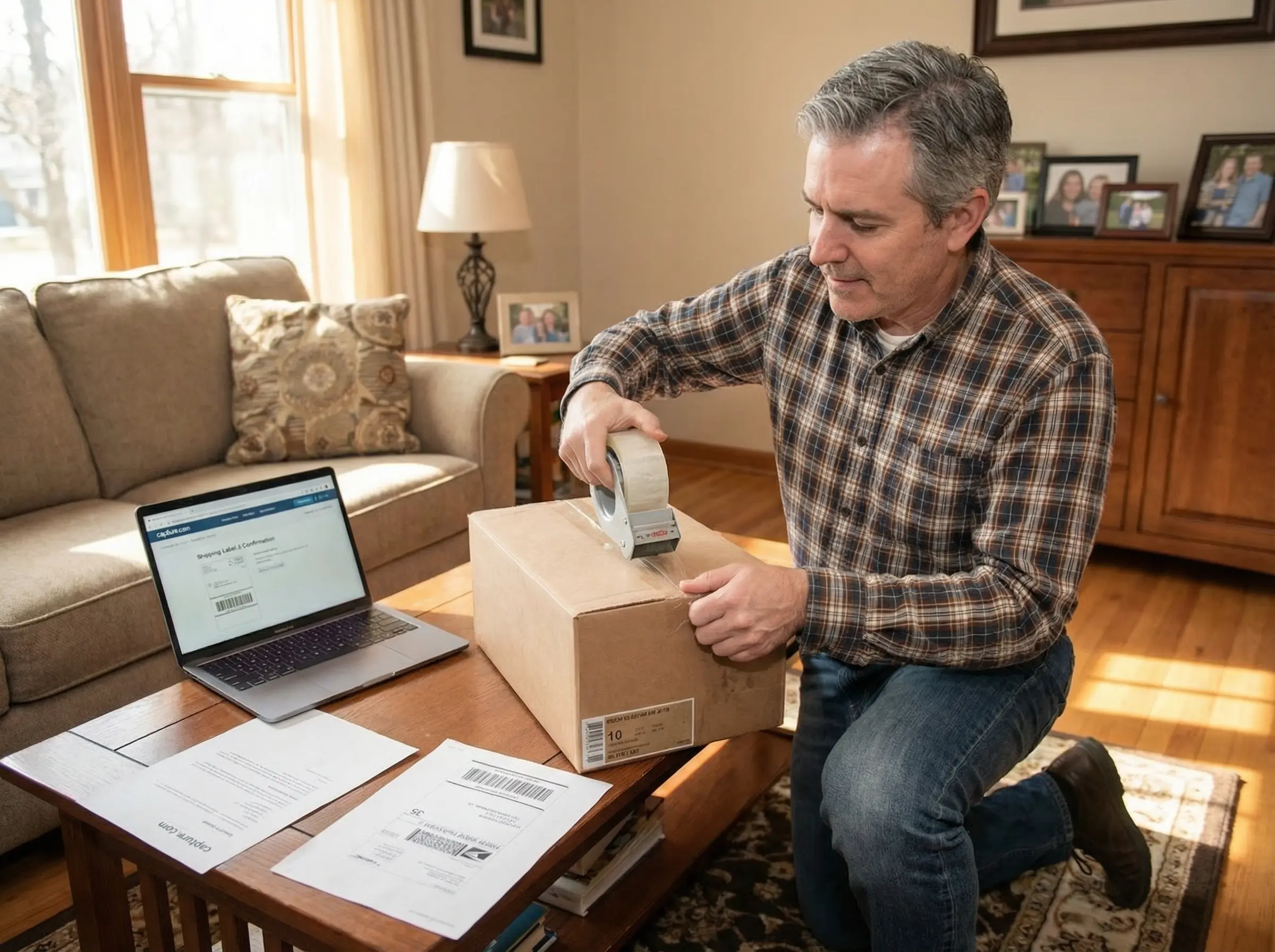
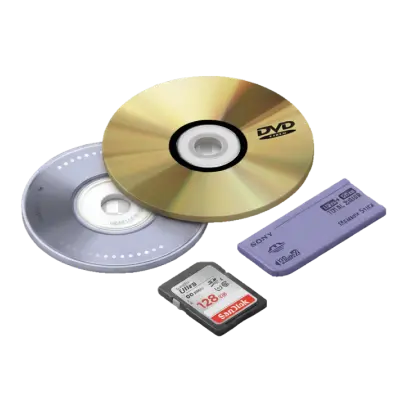
CDs can go in the same box as tapes, photos and memory cards.
Example: 10 CDs delivered on an 8GB USB drive cost $199.90 + $14.99 + $12.49 return shipping = $227.38 before tax, according to Capture's pricing page. Processing takes about 2–3 weeks, and your original discs come back with the order.
CD to USB FAQs
How do I copy a CD to a USB drive in Windows 11?
Open Windows Media Player Legacy, go to Organize > Options > Rip Music, set the format to MP3, and choose your USB flash drive as the rip location. Then insert the CD and click Rip CD. For a data CD, open it in File Explorer and copy the files to the flash drive.
How do I convert a CD file to USB?
If the CD shows files ending in .cda, those are shortcuts to audio tracks, not music files, so copying them won't work. Rip the CD with Windows Media Player or the Music app on a Mac to create MP3 or AAC files, then copy those files to the USB drive.
What is the best way to convert CDs to digital music?
Rip each CD with a secure ripper or Windows Media Player with error correction turned on. Save a lossless FLAC copy for archiving and a 320 kbps MP3 copy for phones and cars. For large collections or damaged discs, a service such as Capture does it for $19.99 per disc.
Can I convert a CD to USB at Walmart?
Yes. Walmart's mail-in photo and video transfer service, which Capture digitizes, accepts CDs. As of November 2026, it charges $15.96 for the first 30 minutes of each disc and $5.46 for each additional 30 minutes, plus $12.96 for a USB drive that holds the whole order.
Can you transfer a CD to USB without a computer?
Yes, with a CD player or boombox that has a USB recording function. It copies the disc to a flash drive as MP3 files. Most car stereos can't copy from their CD slot to a USB port.
Where can I transfer a CD to USB?
You can transfer CDs to USB at home with a computer and an external CD drive, or through a mail-in service. Capture transfers CDs for $19.99 each and delivers the files to the cloud and, if you add one, on a USB drive.
Keep Your Music, Not the Stack of Discs
Once you know the difference between ripping and copying, you can transfer a CD to a USB flash drive in a few minutes per disc. Pick MP3 for the car, FLAC for archiving, and transfer the oldest CD-Rs first. When you'd rather not rip the whole collection yourself, Capture transfers CDs, DVDs, and memory cards for $19.99 each. Get a free quote, and if you're deciding what to do with the discs afterward, read what to do with old CDs.
Bring your memories back to life.
You May Also Like

Does Walgreens Transfer VHS Tapes and Photos to Digital? What to Know Before You Decide
Yes, Walgreens transfers VHS tapes, film, photos, negatives, and slides to digital — but the work is outsourced to iMemories, not done in-store. Video converts to DVD, Blu-ray, or cloud; photos convert to USB only. Turnaround typically runs 3–5 weeks.

Forever Studios Reviews 2026: Is It Worth It? Quality, Pricing & Comparison
Yes, Forever Studios is a legitimate digitizing service. Based in Boca Raton, Florida, it specializes in transferring VHS tapes, camcorder tapes, film reels, photos, slides, negatives, and audio cassettes to digital formats. Most Forever Studios reviews praise the company's restoration quality and careful handling of sentimental media. The most common criticisms focus on quote-based pricing, longer-than-expected turnaround for some orders, and uncertainty over whether the Forever Gold upgrade delivers enough additional value. If preserving aging videotapes is your priority, Capture's VHS to Digital service includes published pricing, AI-enhanced restoration, and predictable turnaround times, making it easier to compare before placing an order.