How to Make a Wedding Slideshow
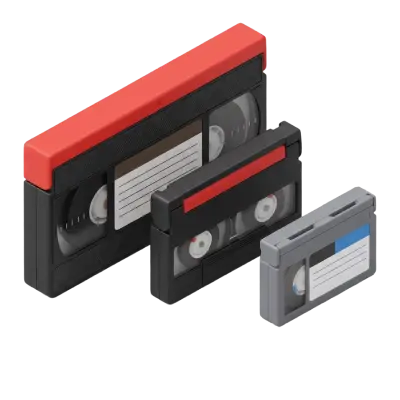
A wedding slideshow works best when it tells a story: start with childhood photos of both partners, move through the relationship timeline, and end at the wedding day. Aim for 10–15 minutes maximum, choose two or three meaningful songs, and keep transitions simple. If key photos are buried in old albums or tapes, digitize them before you start editing.

A wedding slideshow is a heartfelt way to share your journey as a couple with your guests. If you’ve never made one before, don’t worry—Capture is here to guide you through what it takes to make a wedding slideshow that truly shines. With thoughtful planning and the right tools, you can create the perfect wedding slideshow that highlights your favorite memories in a meaningful and emotional way. Blending your personal story with carefully curated photos and videos will ensure your presentation stands out and leaves a lasting impression.
Jump to:
What to do to Make a Perfect Wedding Slideshow
Creating the perfect wedding slideshow is all about combining the right tools, thoughtful planning, and personal touches.

Select Your Tools and Software
Choosing the best wedding slideshow software is important for creating an enjoyable experience. The right tool can save time and make the process easier. For a professional look with minimal effort, try Smilebox or Animoto. They are user-friendly, which means they are the software you want to use for your slideshow. Using them is the best way to make a wedding slideshow. They offer templates and customization features to create a polished presentation. If you prefer built-in tools, iPhoto (Mac users) or PowerPoint and Keynote are great choices. They are easy to use and work well for basic slideshows.
For a polished wedding picture slideshow, you can hire a professional or ask a tech-savvy friend for help.
Choose a Theme
A good theme ties everything together and makes your slideshow more meaningful. You can align the slideshow with your wedding theme or personal story. Popular themes include "Past, Present, Future," travel adventures, or seasonal motifs. These themes let you highlight special moments in a creative way.
If you’re using older photos, Capture’s photo digitizing service ensures they are restored and prepared to look their best on the big screen. A clear theme and high-quality images will make your slideshow unforgettable.

Determine the Slideshow Length
You should decide on how long the slideshow should be. The ideal length for a wedding slideshow is 5-10 minutes. This keeps it engaging without losing your guests' attention. In this timeframe, you can include about 60-120 photos or a mix of photos and video clips. This is usually enough to tell your story while keeping it concise and entertaining.
Keeping it short ensures your guests stay focused and enjoy the slideshow without feeling overwhelmed. Always prioritize quality over quantity when selecting your content.
Curate Photos and Videos
Creating a memorable slideshow starts with selecting the best photos and videos. Opt for high-resolution images and clear video clips to ensure your slideshow appears sharp and professional on any screen.
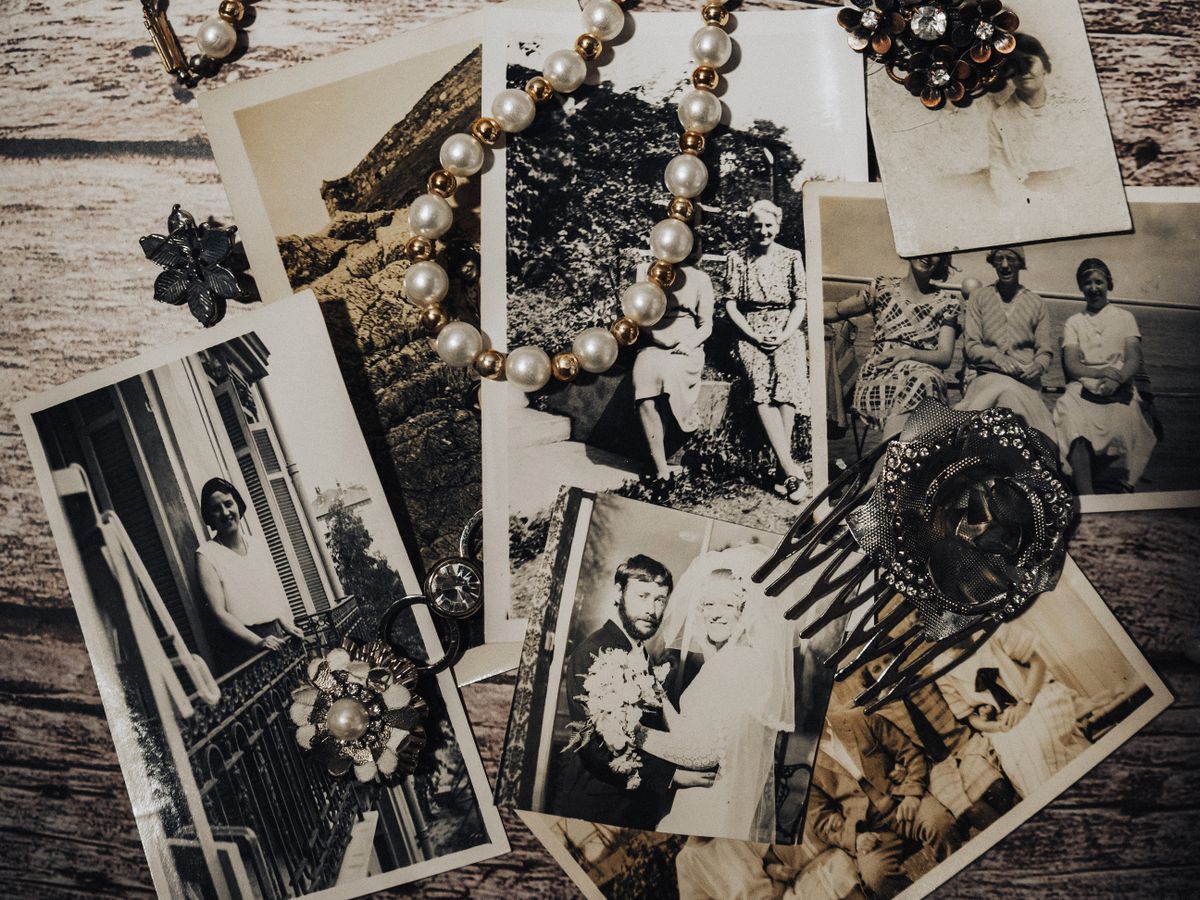
For old physical photos, converting them into digital format is a great way to preserve memories and make them easier to include. Use Capture's photo album scanning service to efficiently digitize your entire photo library. This service can transform your cherished albums into high-quality digital files, keeping your memories safe and accessible for years to come.
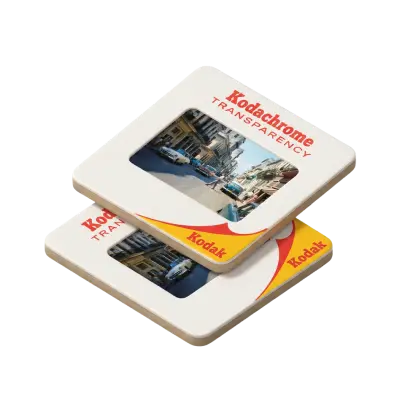
You can also opt for 35mm slide conversion to JPEG to include slides from past generations, ensuring all your treasured moments are easily accessible and ready for your slideshow.
Focus on moments that truly tell your story. Include childhood snapshots, milestones as a couple—like your first date or engagement—and special times with family and friends. Thoughtful curation ensures your slideshow feels personal, heartfelt, and engaging.
Select Music
The right wedding slideshow music can set the tone and enhance the emotional impact of your slideshow. Choose songs that resonate with your relationship and match the mood of your photos and videos.
When brainstorming wedding slideshow song ideas, consider including a mix of love songs for heartfelt moments and upbeat tracks for fun sections. For example, a slow, meaningful song can highlight your proposal, while a lively tune can showcase photos with friends and family. Make sure the music is appropriate for the wedding setting and check for any licensing requirements, especially if you plan to share the slideshow online. Thoughtful song choices will bring your memories to life and leave a lasting impression on your guests.
Compile and Edit the Slideshow
Compiling and editing the slideshow is where everything comes together. Arrange your photos and videos in a cohesive order that tells your story naturally. Start with early memories, move through milestones as a couple, and end with recent moments leading to your wedding.
Use transitions and effects sparingly to add polish without overwhelming the content. Text overlays can also help highlight dates or special details. Preview your slideshow to make sure it flows smoothly and adjust the pacing if needed.

Plan the Presentation
Planning the presentation is just as important as creating the slideshow. Decide when to showcase it. Many couples play their slideshow during the reception or rehearsal dinner. Choose a moment when guests are seated and can enjoy it without distractions.
Ensure you have the right equipment. Use a projector and screen or a large TV for clear visuals. Test your audio system to make sure the wedding slideshow music is clear and at the right volume. Testing everything beforehand helps avoid last-minute issues.
Make a Wedding Slideshow Your Guests Will Love
With Capture’s help, preserving and preparing your photos for a wedding slideshow is simple and stress-free. We specialize in digitizing old photos, ensuring they are ready to use in your chosen slideshow software. By converting physical images into high-quality digital files, we help you preserve cherished memories in the best possible way.
To make a wedding slideshow that truly stands out, follow the steps outlined here, from selecting the perfect theme to curating your favorite moments. Keep the presentation concise, and ensure it reflects your personal story. With proper planning and preparation, your wedding slideshow will leave a lasting impression on your guests, becoming a heartfelt highlight of your special day.
You May Also Like
What Resolution Should You Scan Old Photos At?
Scan standard prints at 300–600 DPI, and scan slides or negatives at 2000–4000 DPI — negatives and slides need far more resolution because the original image is physically much smaller than a print. Choose the higher end of each range for archival copies or anything you might want to enlarge later.
Why Old Photos Turn Yellow (And How to Stop and Fix It)
Old photos turn yellow because the dyes and paper chemicals used to make them break down over decades — mainly through dye coupler instability, acid migration from old albums, and exposure to light, heat, and humidity. Photos from the 1970s and 80s are hit hardest because of less stable dye formulas and cheaper consumer paper. Most yellow casts can be corrected with color-corrected scanning; physical damage like tears or severe fading cannot.

TIFF vs. JPEG: What’s The Difference?
TIFF files are uncompressed and preserve full image detail, making them preferred for archiving and professional printing. JPEG uses lossy compression that permanently discards image data with each save. For digitized photos intended for long-term preservation, TIFF is the better archival choice while JPEG works well for sharing.