Getting Organized To Digitize
Content team: Add a 2-3 sentence summary/excerpt for this post to improve SEO and reader engagement.

Get ready. Get sorting. Get set for digitizing. (It’s easier and more enjoyable than you might think).
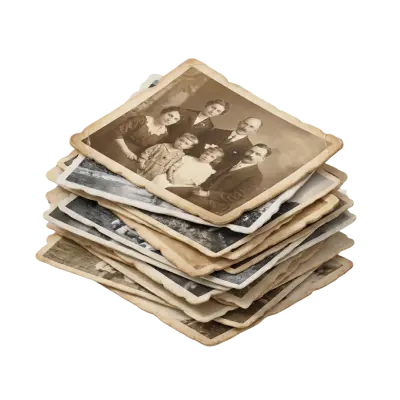
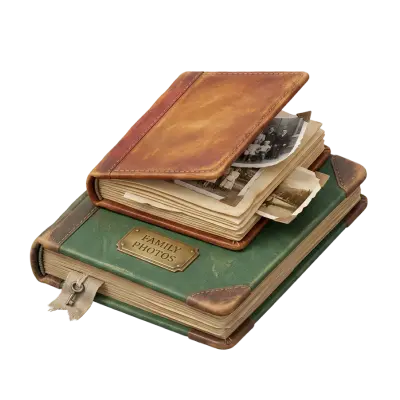
Going through your memories to decide which you are going to digitize, or digitize first, is where it all starts. (And really, it’s the only part that takes any of your time at all). It can also be incredibly fun. Many of us plan to spend time enjoying our memories—and then they end up sitting in boxes for months or even years. Memories are meant to be enjoyed—and choosing which ones to digitize gives you a great opportunity to spend time with them.
Step 1: Set yourself up for sorting success
Find a space with good light and a comfy place to sit. Bonus points if you can leave it messy for a while, especially if you have a significant number of memories to sort. A large flat surface makes the process easier.
How you choose to go about sorting will likely depend on the number of memories you have, the amount of time you want to dedicate, and your end goal. Are you doing genealogy work and really want to dig in and sort like a professional memory organizer? Marvelous.
Want to take a simpler approach? Consider the following:
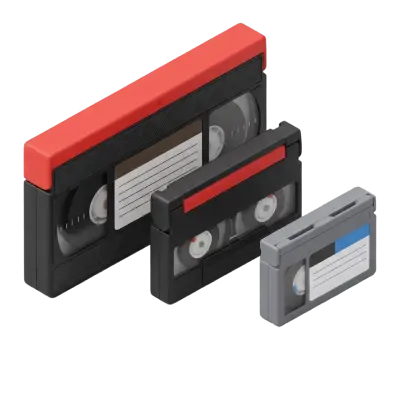
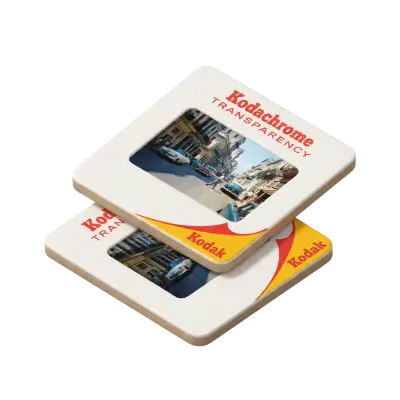
- Group photos, slides, videos, etc. by events and people. Sort into events such as vacations, weddings, and birthdays. Memories not associated with specific events can be grouped by person or family.
- Separate duplicates. Place duplicates in a separate pile.
- Sort each pile by date. Roughly organize each of your piles chronologically. Don’t worry—you may need to do some guessing, and it’s okay not to be perfect.
- Pick what to digitize. Put them in a pile so you can start to see how many items you have.
Step 2: Get your Time Capsule sent to you
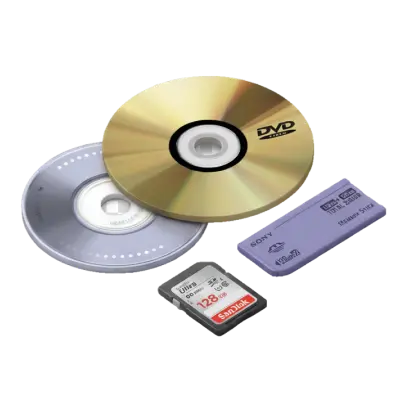
Our Time Capsule Box is the easiest way for you to securely send your physical memories to us to digitize. We’ll ship you the Time Capsule Box, along with detailed instructions and a prepaid shipping label. Four to five weeks after we receive it from you, you’ll receive your original memories back, along with the digital files on your choice of either a USB thumb drive or a DVD. If you’re a Google Photos user, you can also see your new digital files in your Google Photos Library and label and share with others from there.
End up with more items than the box you chose is slated for? Simply put them in and use the extra barcodes we provide.
Step 3: Enjoy!
That’s really all there is to it. Rest easy knowing that your memories are protected from damage and degradation over time. What’s more, now that you have digital files of your memories, you can enjoy them with today’s technology. Email your new digital copies to families and friends, use them to create gifts and other creative items with them, or something else entirely.
While preservation is what often brings customers to us, customers tell us that getting the chance to really share and enjoy their memories is an unexpected delight. Digitizing also lets you back up your memories just as you do your other important files—on the cloud, on drives, in multiple places—for peace of mind.
Want to find out more? Ready to get started? Have questions? There’s nothing we like more than talking about how to help you protect and preserve your memories.
You May Also Like

How to Transfer a CD to a USB Flash Drive: Music, Photos, and Files
To transfer a music CD to a USB flash drive, you have to rip it first: import the tracks as MP3 or AAC files with Windows Media Player or Apple Music, then copy those files to the drive. Dragging tracks straight from the disc only copies 44-byte ".cda" shortcuts that won't play, while photo and data CDs can be copied and pasted directly. A 16GB flash drive holds about 100 albums as 320 kbps MP3.

Does Walgreens Transfer VHS Tapes and Photos to Digital? What to Know Before You Decide
Yes, Walgreens transfers VHS tapes, film, photos, negatives, and slides to digital — but the work is outsourced to iMemories, not done in-store. Video converts to DVD, Blu-ray, or cloud; photos convert to USB only. Turnaround typically runs 3–5 weeks.
Forever Studios Reviews 2026: Is It Worth It? Quality, Pricing & Comparison
Yes, Forever Studios is a legitimate digitizing service. Based in Boca Raton, Florida, it specializes in transferring VHS tapes, camcorder tapes, film reels, photos, slides, negatives, and audio cassettes to digital formats. Most Forever Studios reviews praise the company's restoration quality and careful handling of sentimental media. The most common criticisms focus on quote-based pricing, longer-than-expected turnaround for some orders, and uncertainty over whether the Forever Gold upgrade delivers enough additional value. If preserving aging videotapes is your priority, Capture's VHS to Digital service includes published pricing, AI-enhanced restoration, and predictable turnaround times, making it easier to compare before placing an order.