Best Memory Preservation Apps to Keep Your Treasured Moments Safe
The best memory preservation apps help you organize, store, enhance, and share family photos, videos, and stories in one convenient place. Popular options offer cloud backup, shared albums, photo scanning, and family history tools. The right app depends on whether your priority is secure storage, collaboration, editing, or building a family archive.

Preserving your memories, traditions, family and your legacy is important, and we all know that photos, home movies, and even traditions don’t last forever. However, with the best memory preservation apps they can last longer, passing your legacy on to future generations.
Capture has over 20 years of experience preserving memories for 12 million families, which is why we’re here to give you a guide to the best memory preservation apps. That way, you can find the best option for you and your family history, memories, and stories.
Keep reading to learn about the top apps including FamilySearch Memories, MyHeritage, StoryCorps, TimeHop, and Capture.com, and all the memory preservation features they offer.
FamilySearch Memories
The FamilySearch Memories app for Apple iOS and Android makes it easier than ever to preserve your family’s memories. It includes an easy sync tool to work with FamilySearch.org and is a comprehensive memory preservation tool.
With three different sections of this memory-keeping app, you can upload photos, stories, or audio. This makes it easy to compile all your memories in one place.
Features
The main feature of the Memories app and FamilySearch.org is the family tree template. You can use the app to create a massive family tree complete with stories, photos, and documents.
Using the photo preservation features, you can easily upload your photos that are on your phone for saving in a cloud storage option like Google Photos or Dropbox. It also allows you to take new photos and instantly upload them as well, making sure that your current memories continue to be preserved.
We also love the story section, which allows you to type a family story directly into your phone. Then you can upload it to the family tree, attach a photo of the main people in the story, and attach it to your family tree. You can tag your loved ones and have them share stories too.
Finally, you can also record a family story, memory, joke, advice, or anything else via the audio recording feature. Again, you can save it to your family tree making it super easy to preserve memories.

Pros
User-friendly interface
Combines photos, documents, audio, and stories
Easy to collaborate on your family tree with your family
Cons
No digitization features
Subscription model
Limited to family history
How to Use Memories Effectively
Download the app
Select the preferred icon (photo, stories, or audio)
Easily upload the item, automatically syncing it with FamilySearch.org
Attach the story, photo, or audio to the family tree.
Tag people for easy collaboration
MyHeritage
MyHeritage is becoming one of the most popular genealogy apps, allowing users to simultaneously build a tree of all their family members, upload and restore pictures, and complete ancestry research including a way to discover past milestones, search through Census records, find birth and death certificates and more.
They even have a DNA testing option for you to accurately trace your family’s legacy from your favorite memories to ancestors long forgotten.
Features
Like the Memories App, you can use MyHeritage to create a family tree with their free app. It takes a few seconds to start, and then you can watch your tree grow as you discover new connections, photos, and historical facts about your family.
You’ll be able to search through billions of records to reveal your family history one document at a time. Then, you can integrate the family tree with DNA Testing to unveil hidden aspects of your family members and ancient ancestors.
Finally, you can upload and enhance any of your favorite photographs and Polaroid to continue with an accurate and ever-growing family tree.

Pros
Ability to start your family tree for free
Offers a database of billions of family records
DNA integration
Cons
While there is a free plan, most of the best features are expensive costing between $129 and $399 per year.
Pretty complex and time-consuming for beginners
Using MyHeritage for Family History Preservation
Sign up for your plan and start your family tree
Start researching through billions of records
Integrate your DNA
Upload and enhance photos
Continue building and collaborating forever, adding to your family’s legacy with one of the best family tree apps available.
StoryCorps
This is a non-profit organization that helps Americans preserve, record, and share their stories and memories. Using the free app, you can record your conversations, stories, and memories. Then they will upload into their mission to, “help us believe in each other by illuminating the humanity and possibility in use all – one story at a time.”
While less focused on creating your own family legacy, it’s a really cool non-profit project that we’d encourage you to participate in.
Features
The main features are built around personal interviews with you and your partner. You can tell your story, offer insights into your unique American experience, and add your memories to the collection of voices.
Then, your audio story will be added to the archive, thereby preserving one more story to add to millions. While not focused on family history, this is about American and human history.

Pros
Fun and free
Rich storytelling features
Community sharing
Cons
Not designed for family history preservation
Limited to audio (no digital scrapbooking or multimedia memories)
How to Use StoryCorps to Capture Narratives
Schedule your StoryCorps interview time. It will take around 40 minutes
Prepare your story and bring a list of questions you want to ask
Tell your story being guided by the interviewer.
That’s it, they take care of everything else!
Timehop
Timehop is a mobile app that you can use on your iPhone, iPad, or Android smartphone. What’s cool about this option is that it combines social media archiving with photo storage apps, capturing family memories in one easy-to-use place.
As one of the older family memory apps and one of the best apps in general for preserving memories, it’s very easy to use and 100% free to download from the app store.
Features
Using Timehop, you can connect to various platforms including Facebook, Instagram, Google Photos, iCloud Photos, Dropbox, Flickr, Swarm, and Tumblr. Then, you can instantly and automatically upload updates, photos, videos, albums, feeds, text posts, and more from these social media platforms.
The result is a timeline or playlist of your entire life on social media. You’ll also get daily reminders of past social media posts and the ability to share nostalgic moments with your friends and family members.

Pros
Fun and engaging platform
Easy integration with tons of social platforms
Encourages you to reminisce over older memories
Cons
Only works for social media users, and is based entirely on your social media history
Limited to past content
No way to upload old photographs or analog files
Using Timehop to Relive Memories
Download the Timehop app for free
Integrate it with your social media apps and Google Photos
Instantly create your Timehop, getting reminders and being able to share photos and nostalgic moments with your loved ones.
Capture.com

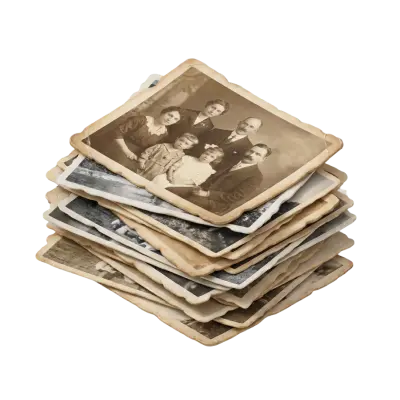
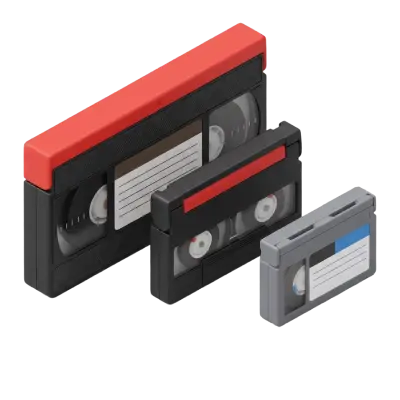
Capture is the best company to digitize home movies, photos, film reels, and more. You just simply send us your old memories and we preserve them as digital heirlooms in 30 days or less, returning both your original copy and the digital photos and videos.
This ensures that your favorite memories last forever for future generations to enjoy. We always recommend digitizing your photo books, home videos, and other memories before you use them to create photo centerpieces, collages, photo gifts, or anything else.
Features
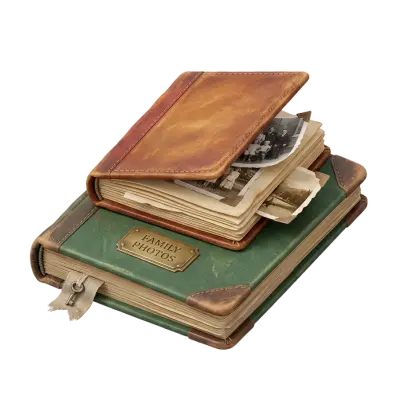
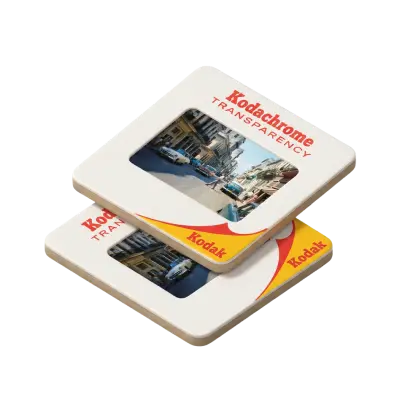
Capture offers high-quality professional digitization of family photos, videotapes, film reels, photo slides, photo negatives, and more. We also offer the first-ever touchless photo album scanning service, which means we can scan each individual image of your album into a high-quality digital copy without anyone having to risk damaging it by removing it from the photo album.
Additionally, with every order you get cloud storage for memories and the option of a slideshow. Not only that, but our state-of-the-art multi-million-dollar facility tracks and monitors your memories every step of the way and all the way back to you, ensuring they are never lost or damaged.
We also offer the fastest turnaround time in the industry, delivering your family memories in 30 days or less. Finally, unlike DIY personal narrative apps and preserving legacy apps, we do all the time-consuming work for you. Then, you can collect your memories and digital keepsakes on a family tree, share them online, or do anything else you want with them!

Pros
High-quality digital copies of all your memories (photo, video, and film)
Easy cloud access and digital sharing
Fast 30-day turnaround time
Top-tier protection and security for your precious memories
Cons
More expensive than some other nostalgia apps and memory archiving services, but you get the unmatched quality you pay for
No family tree feature
How to Use Capture.com
Estimate your order length or number of photos
Pay
Ship us the analog media using the provided shipping label
Receive digital memories and your original copies back in 30 days or less.
Conclusion

Preserving physical memories and family histories is very important, but with these 5 memory archiving services, family tree apps, and journaling apps you can easily ensure your legacy lasts forever.
Whether you want to trace your ancestry with MyHeritage, create a family tree with Memories, or digitize your photos and home movies with Capture.com, you’ll be able to pass your history down to future generations.
20% OFF + A FREE VAULT
You May Also Like
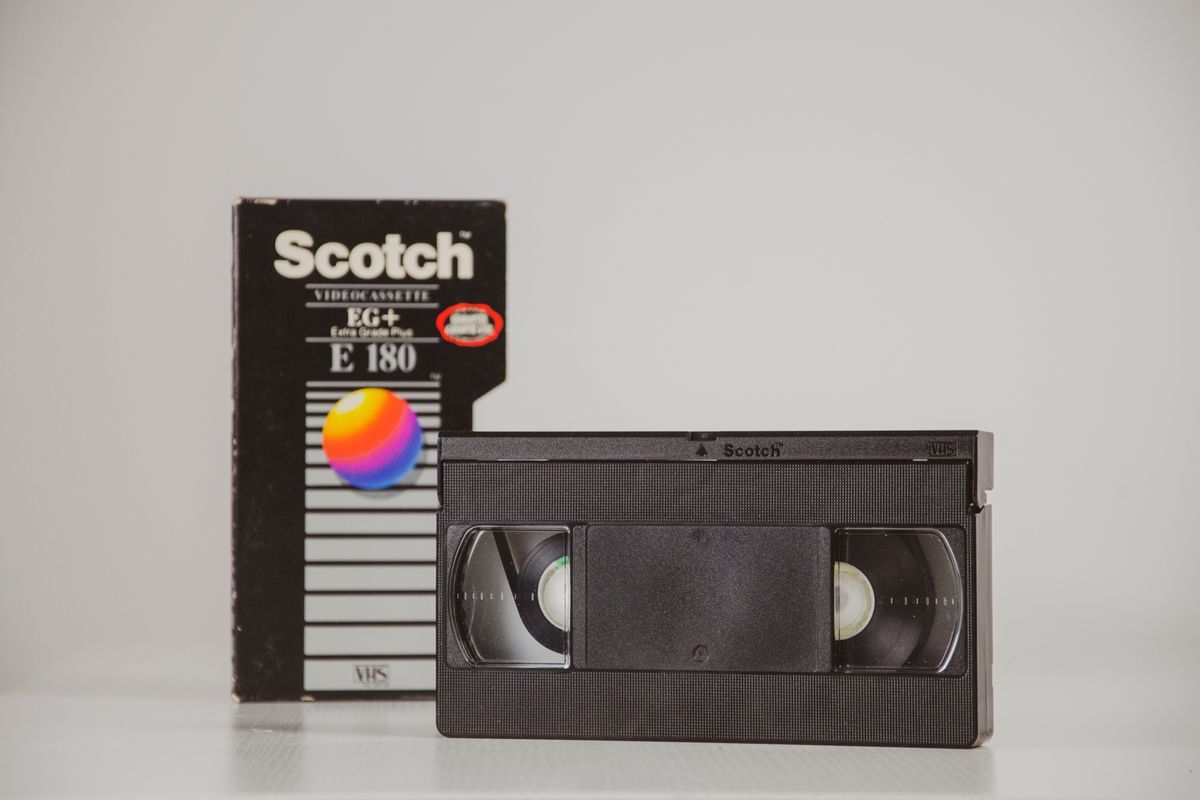
Does Walgreens Transfer VHS Tapes and Photos to Digital? What to Know Before You Decide
Yes, Walgreens transfers VHS tapes, film, photos, negatives, and slides to digital — but the work is outsourced to iMemories, not done in-store. Video converts to DVD, Blu-ray, or cloud; photos convert to USB only. Turnaround typically runs 3–5 weeks.

The Best 10 Year Anniversary Gift Ideas