

Plan Your Memory Slideshow Free
Answer a few questions and get a personalized plan for birthdays, anniversaries, memorials, and celebrations of life — complete with structure, music direction, and a digitization checklist.
Start My Free PlanBuild Your Memory Plan
Takes about 2 minutes. Your plan is generated instantly and sent to your email.
What's in Your Memory Plan
Every Memory Plan includes everything you need to create a slideshow that feels personal and polished.
Personalized Title + Tone
A slideshow title and suggested tone: heartfelt, uplifting, funny, or nostalgic.
Segment Ideas & Prompts
4 to 6 segment ideas with specific prompts like "look for clips of..." and "include photos from..."
Caption & Overlay Ideas
Ready-to-use caption and overlay text ideas — warm, funny, or both.
Music Direction
Music direction and a few song suggestions matched to the tone you choose.
"What to Digitize" Checklist
A checklist of what to digitize — especially helpful if you have videotapes or old printed photos.
Realistic Timeline
A clear, stress-free timeline so you know exactly what to do and when.
Memory Planner is Perfect For…
Celebration of Life Slideshow
For a parent, partner, sibling, or friend
Memorial Slideshow Ideas
When you don't know where to start
Family Slideshow Ideas
For reunions, graduations, and big birthdays
Anniversary Tributes
Including 50th wedding anniversary slideshow ideas
Big Milestones
21st birthdays, retirements, and more
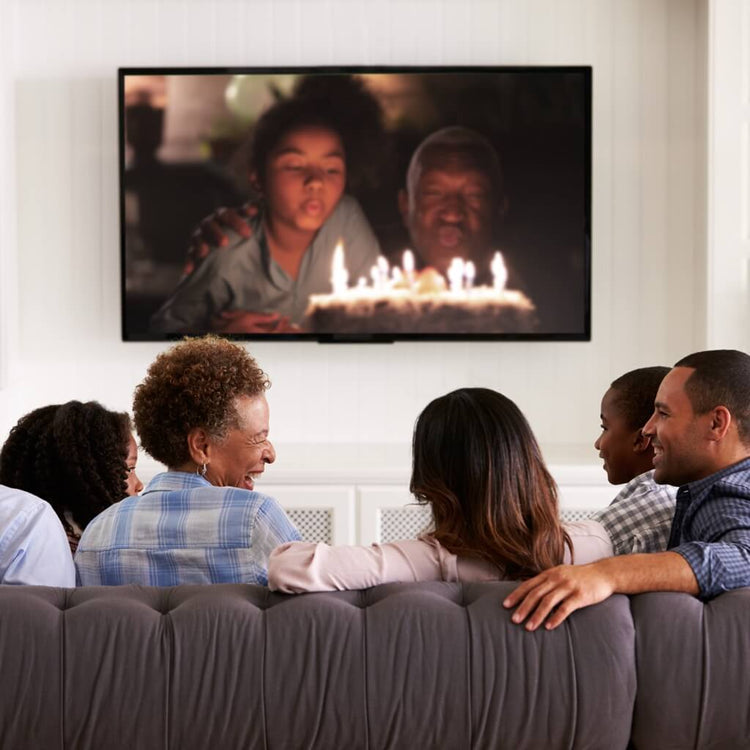
How to Make a Birthday Slideshow
Start with a simple story arc and a realistic photo count. This works whether you're using Canva, iMovie, PowerPoint, or any other tool.
Pick a vibe + target length
For most parties, 5–10 minutes is the sweet spot — long enough to feel meaningful, short enough to keep the room's attention.
Use a simple story arc
Opening: title + 1–2 signature photos → Childhood & teen years → Highlights (friends, travel, milestones) → Family & everyday life → Closing: recent photos + message.
Photo count guideline
60–120 photos for a 5–10 minute slideshow, depending on how many video clips you include.
Music tip
Pick 1–3 songs that match the tone. If you're searching for "21st birthday songs for slideshow," aim for upbeat tracks that won't overpower the photos.
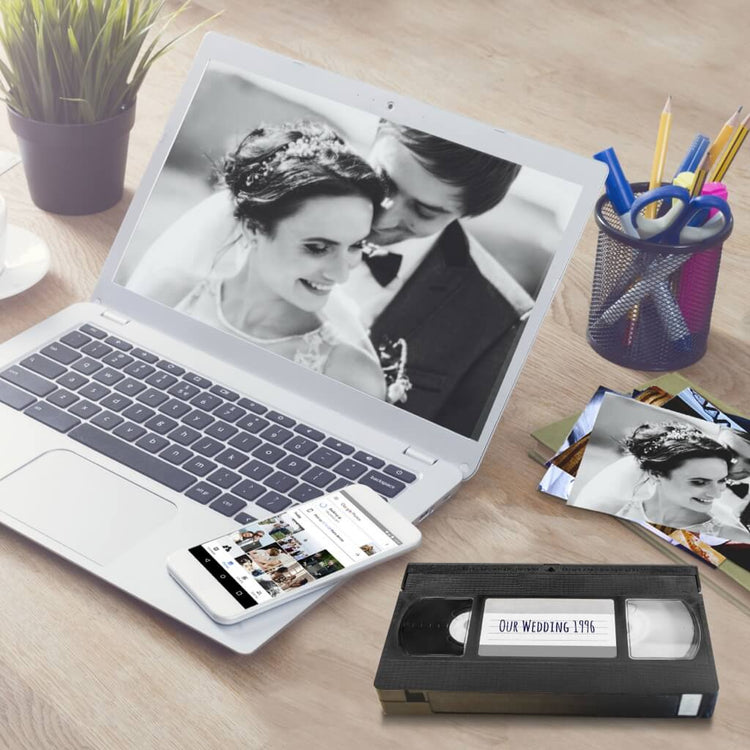
How to Make a Wedding Anniversary Slideshow
The best anniversary slideshows focus on the relationship journey — the little traditions, the big milestones, and the moments everyone still talks about.
Choose your version
Toast moment: 5–8 minutes. Reception loop: 10–20 minutes. Know your setting before you start.
Use a relationship-first outline
"How it started" (early years / dating) → "Building a life" (first home, milestones) → "Traditions" (holidays, rituals) → "Family + friends" → "Still us" (recent photos + closing message).
Photo count guideline
Aim for 80–150 photos for a rich anniversary slideshow — fewer if you have lots of video.
Music tip
One romantic track + one upbeat classic. For a 50th anniversary, include a song from their era for instant nostalgia.

How to Make a Memorial Slideshow
A strong slideshow for a memorial service should feel comforting, personal, and easy to follow — not overwhelming to put together.
Start with the purpose
During a service: aim for 5–10 minutes. Open house/reception loop: 10–20 minutes. Consider a short service cut AND a longer family cut.
Use this tribute structure
Opening: name + dates + a photo that feels like them → Early life → Young adult years → Family & community → Passions & personality → Closing: recent photos + final message.
Photo count by length
5 min: ~50–90 photos. 8 min: ~80–140 photos. 10 min: ~100–170 photos. Use fewer if you include video clips.
Music guidance
Choose 1–3 songs that support the emotion without overpowering the room. Instrumentals are a safe, comforting option when lyrics feel too heavy.
Have old media?
If you have videotapes or printed photos, digitizing is often the longest step. Memory Planner will tell you exactly what to look for and help you plan around digitization time.

Have Old Videotapes or Printed Photos? Digitize Them for Your Slideshow
If your memories live on videotapes, film reels, or in photo albums, digitizing them is the fastest way to include them in a slideshow. Memory Planner will tell you exactly what to look for and help you plan around digitization time.
Get a Free Digitization QuoteFrequently Asked Questions
Everything you need to know about Memory Planner and creating the perfect slideshow.
Ready to Start Planning? It's Free.
Answer a few questions and get your personalized Memory Plan in minutes — slideshow structure, music direction, and a checklist of what to gather or digitize.
Start My Memory Plan